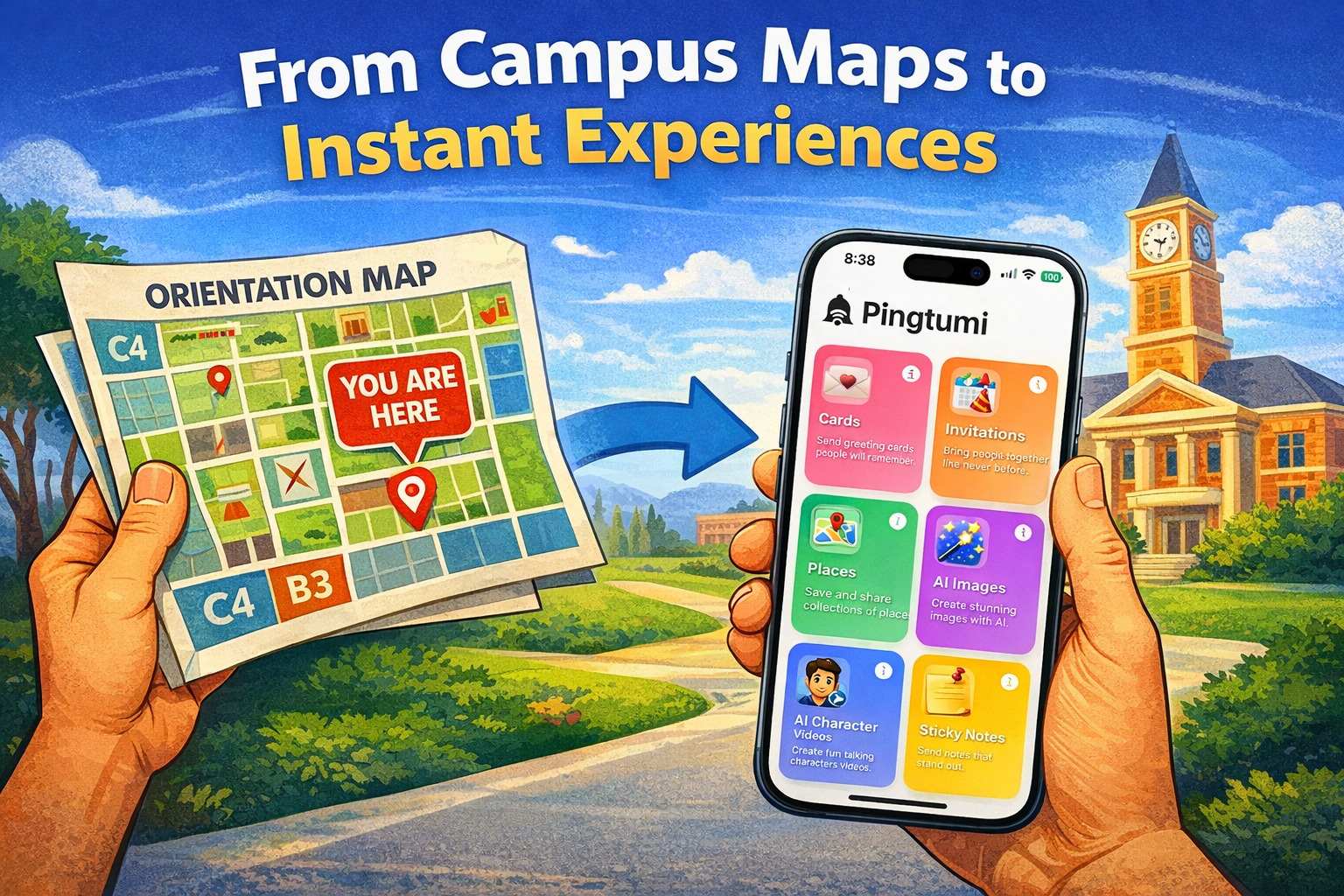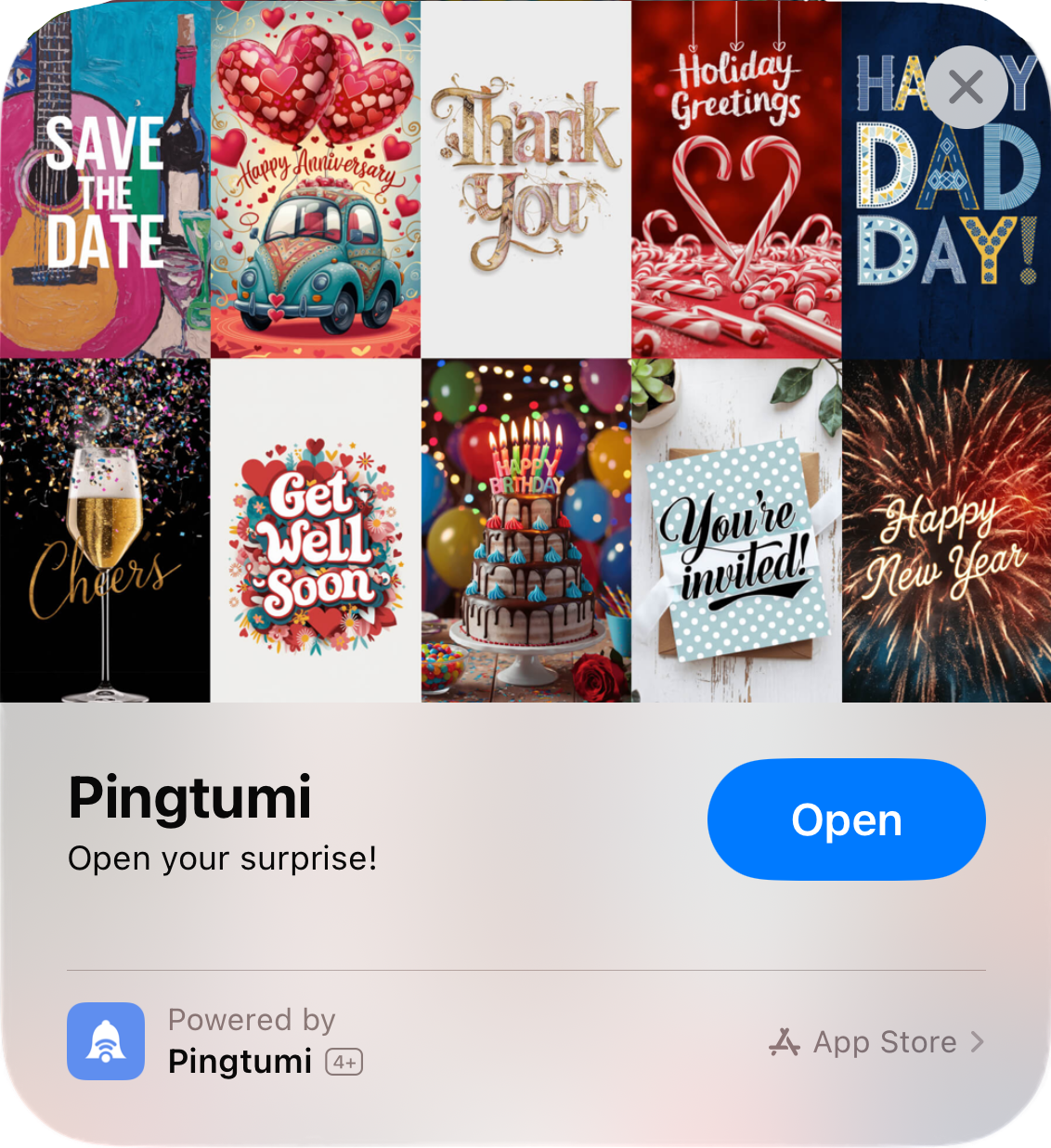
In the ever-evolving world of communication, finding ways to stand out and make an impression is crucial. If you’re tired of your messages getting lost in the sea of texts, emojis, and memes, it’s time to introduce a game-changer to your iMessage conversations. With Pingtumi, you can create vibrant and attention-grabbing sticky notes for iMessage.
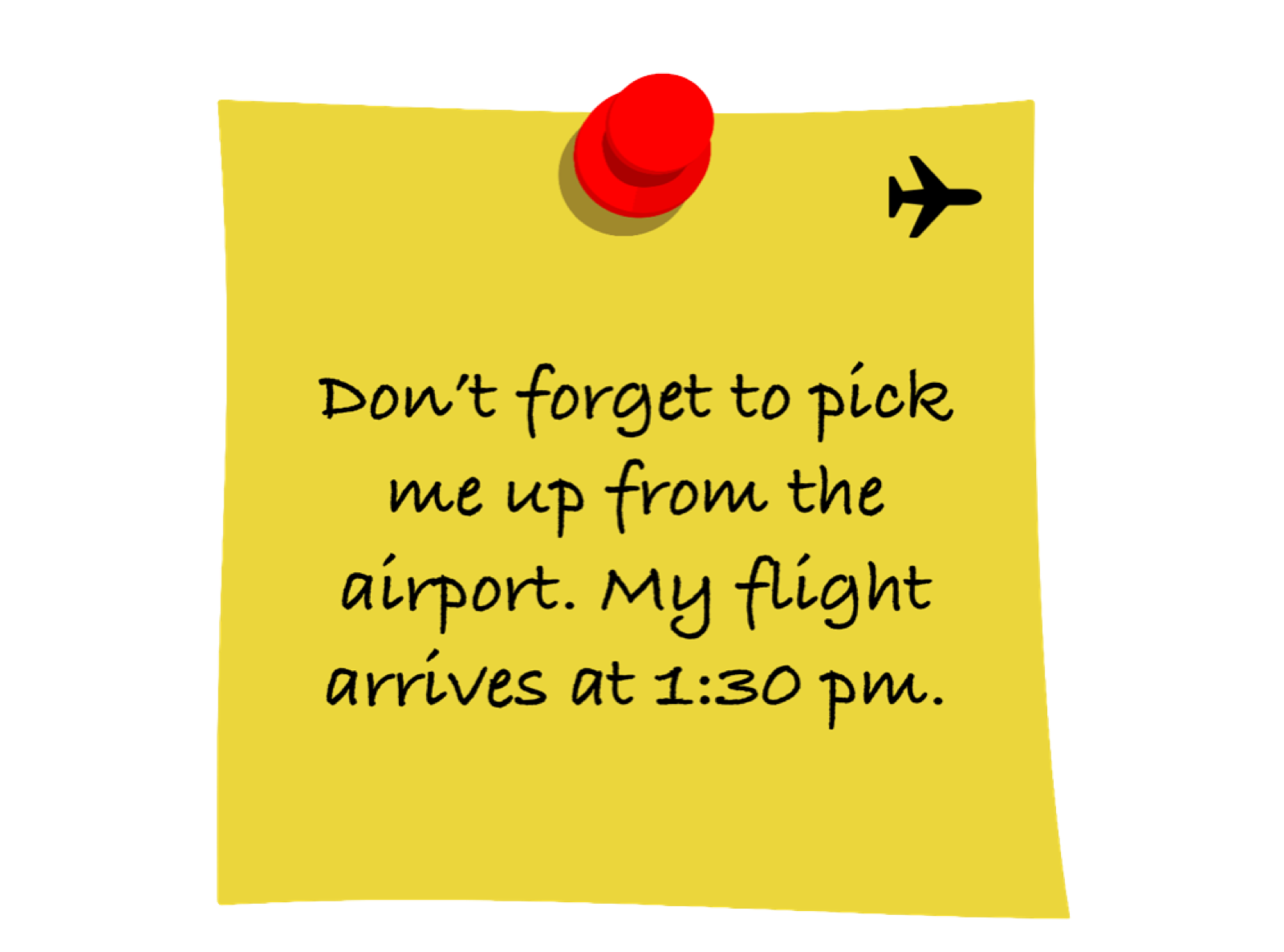
Sticky notes are larger than regular messages, ensuring your words capture attention immediately. Whether you’re sending an important reminder, a heartfelt message, or a playful note, the size and coloful nature of Pingtumi sticky notes demand attention, making your messages impossible to overlook.
Creating a sticky note with Pingtumi is a breeze. With just a few lines of text, you can craft a personalized message that stands out from the rest and doesn’t require the recipient to download the Pingtumi app. Additionally, leveraging the power of artificial intelligence (AI), Pingtumi allows you to automatically generate sticky notes across a wide variety of topics. You can also personalize your sticky note and pin with a background color or image of your choice.



Whether you want to express your thoughts, share reminders, or simply add a touch of flair to your messages, Pingtumi makes it all possible in seconds. Say goodbye to mundane texts and hello to the colorful world of Pingtumi sticky notes — where every message is a masterpiece.
To get started, follow the steps below. For additional messaging capabilities, check out the Pingtumi app and learn how you can improve communications with large groups via scheduled and real time push notifications.
Download Pingtumi from the App Store, sign up and then tap Sticky Notes.
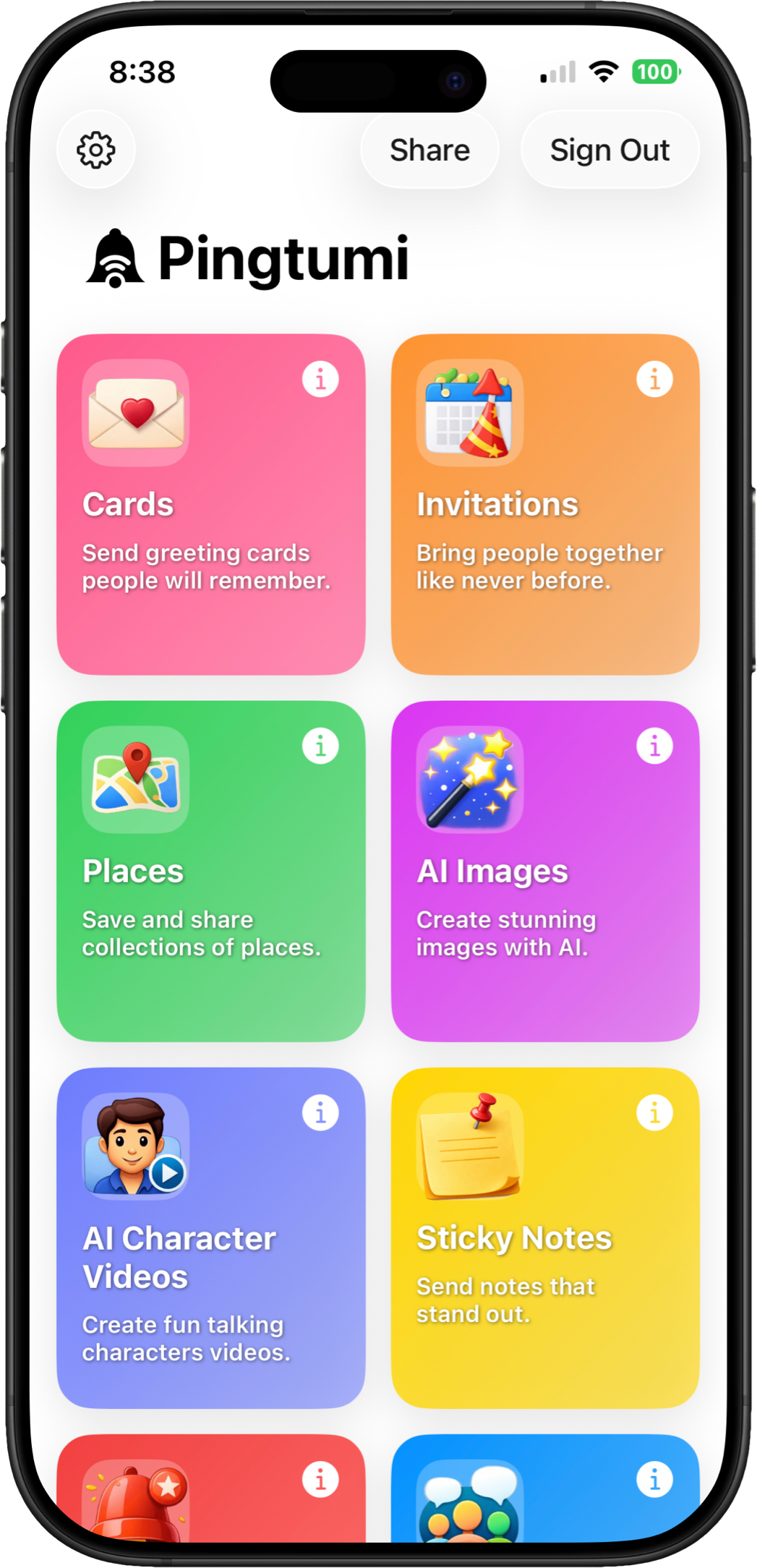
Enter a brief note. You can also change the color of your sticky note and add an icon. When you’re done, tap Send. Your Sticky Note will appear as a sent message.
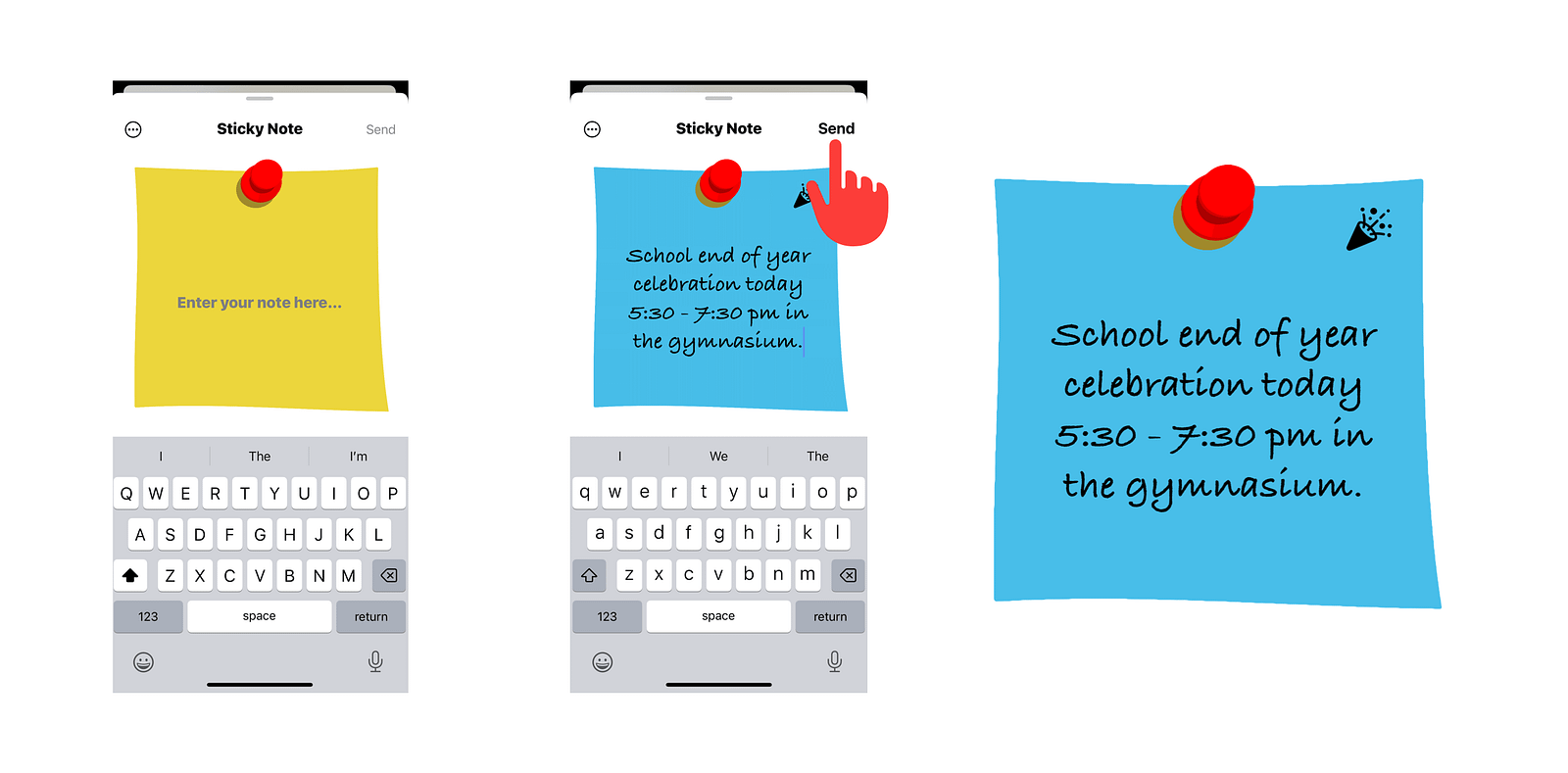
We think you’re really going to enjoy gathering everyones attention with Pingtumi Sticky Notes. Please feel free to drop us your own note at contact@pingtumi.com and let us know how we can make your messaging experience even better.
You can download Pingtumi from the app store here or visit our website
Also, feel free to check out our other messaging apps
Pingtumi AI Character Videos for iMessage
Pingtumi AI Images for iMessage
Pingtumi Greeting Cards for iPhone
Pingtumi Calendar Events for iMessage
Pingtumi Shared List for iMessage
Pingtumi Reminders for iMessage
Pingtumi Availability for iMessage
Happy Pinging!
Originally published on Medium on December 7, 2023.