Polls are fun, especially when you’re able to share them with the people you know and whose opinions you value. Polls in messagings apps can also be very useful when we’re trying to decide as a group when to meet or which event to attend.
We encounter polls almost everywhere, however, many of them lack the intimacy that arises when we communicate with friends and family via iMessage. With that in mind, we created our own polling app that’s compatible with iMessage.
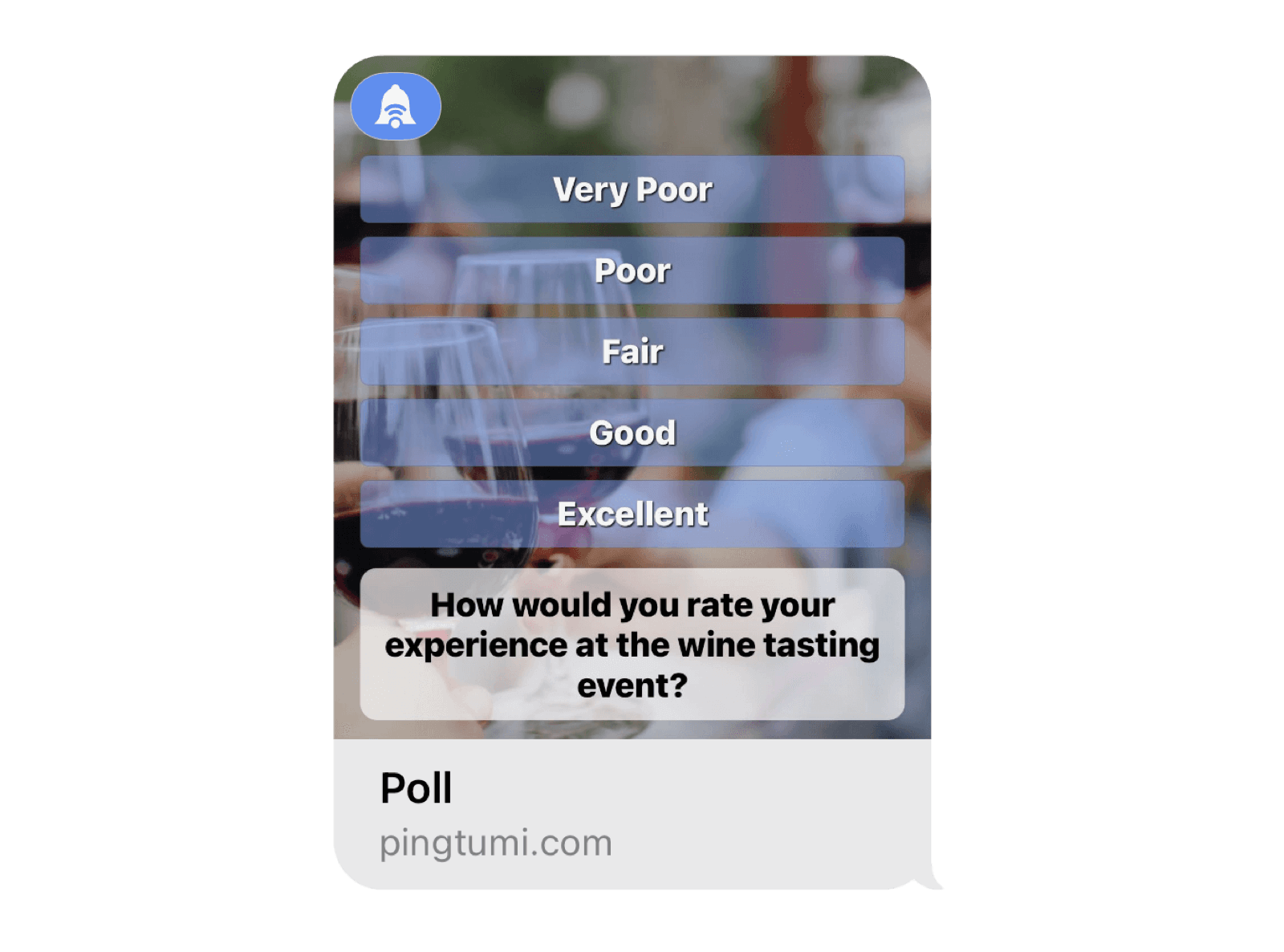
Pingtumi Polls for iMessage was built to be simple yet fun. We intentionally restricted the number of poll choices to 5 so recipients aren’t overwhelmed and can view all results in a single glance.
Polls can be customized by adding a background image or color. You can also configure your poll for single or multi-choice voting as well as add an end date. To top if off, you can also determine whether everyone gets to see how each other voted.
To get started, follow the steps below. We hope you enjoy using our iMessage extension. For additional messaging capabilities, check out the Pingtumi app and learn how you can improve communications with large groups via scheduled and real time push notifications.
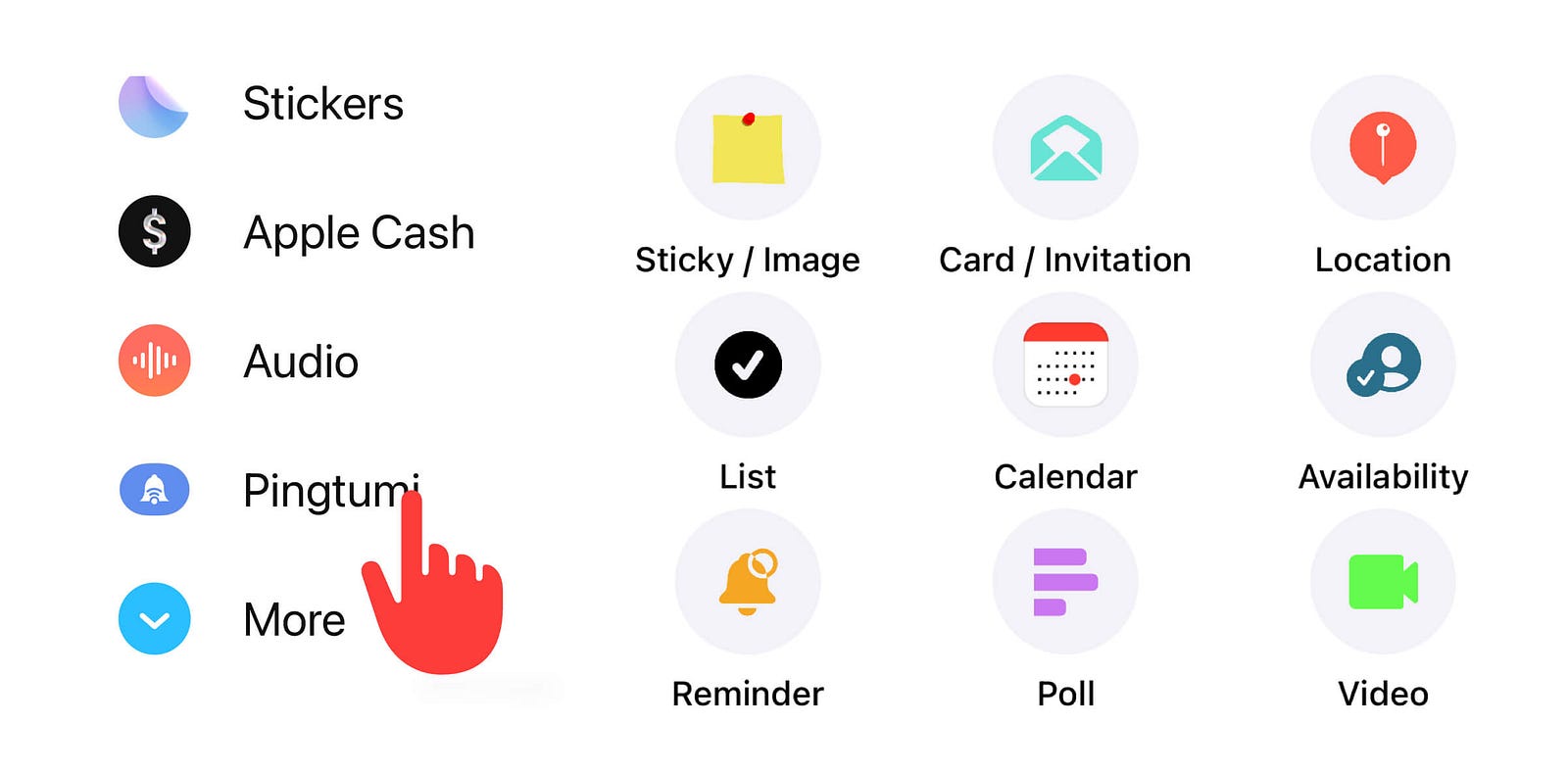
1. Download Pingtumi from the App Store, locate and launch iMessage on your iPhone then tap + to the left of the text field.

2. Scroll up or tap the More button. Tap and hold Pingtumi then slide up and off the screen.

3. Position Pingtumi above the More button. Tap to launch Pingtumi then select “Poll”.
4. Create your poll then tap “Send” to send it to your iMessage group

5. Recipients select one of the poll options or multiple poll options as determined by the poll creator.

We think you’re really going to enjoy creating and sending polls via iMessage. Please feel free to drop us a note at contact@pingtumi.com and let us know how we can make your messaging experience even better.
You can download Pingtumi from the app store here or visit our website
Also, feel free to check out our other iMessage apps
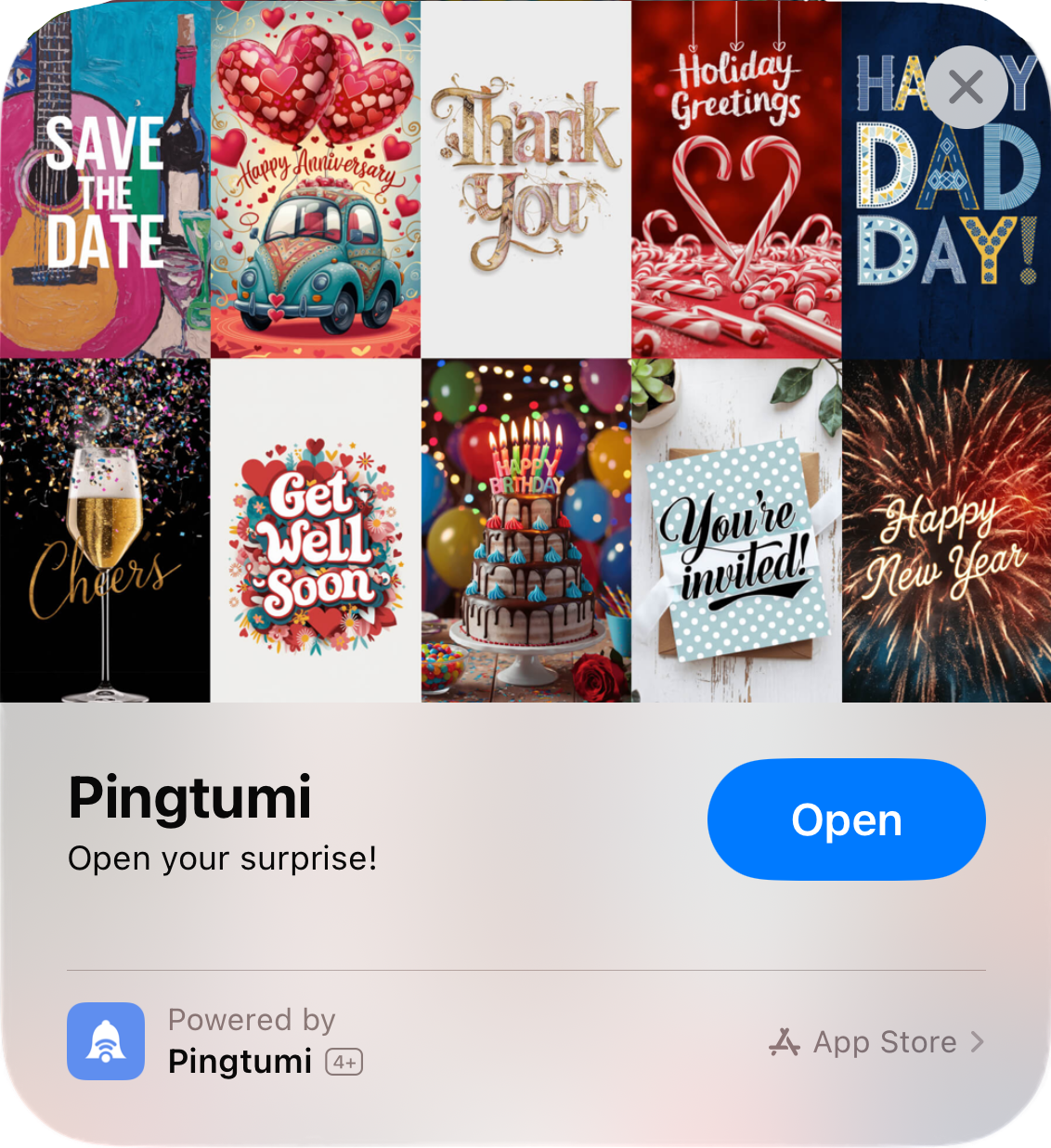
Pingtumi Greeting Cards for iPhone
Pingtumi Sticky Notes for iMessage
Pingtumi Calendar Events for iMessage
Pingtumi Reminders for iMessage
Pingtumi Shared List for iMessage
Pingtumi Availability for iMessage
Happy Pinging!
Originally published on Medium on July 29, 2022.