Reminders are super useful and many of us rely on them to ensure we don’t miss important events or tasks. There are however many circumstances where sharing reminders can add unique value.
Perhaps you’re a parent who’s tired reminding their kid to brush their teeth before going to bed or you need to remind someone in your household to take their daily medication, or you’d like remind a group of friends that you’re meeting on a certain date but don’t want to send a calendar invite. Unfortunately, sharing reminders with friends and family can be complex and cumbersome.
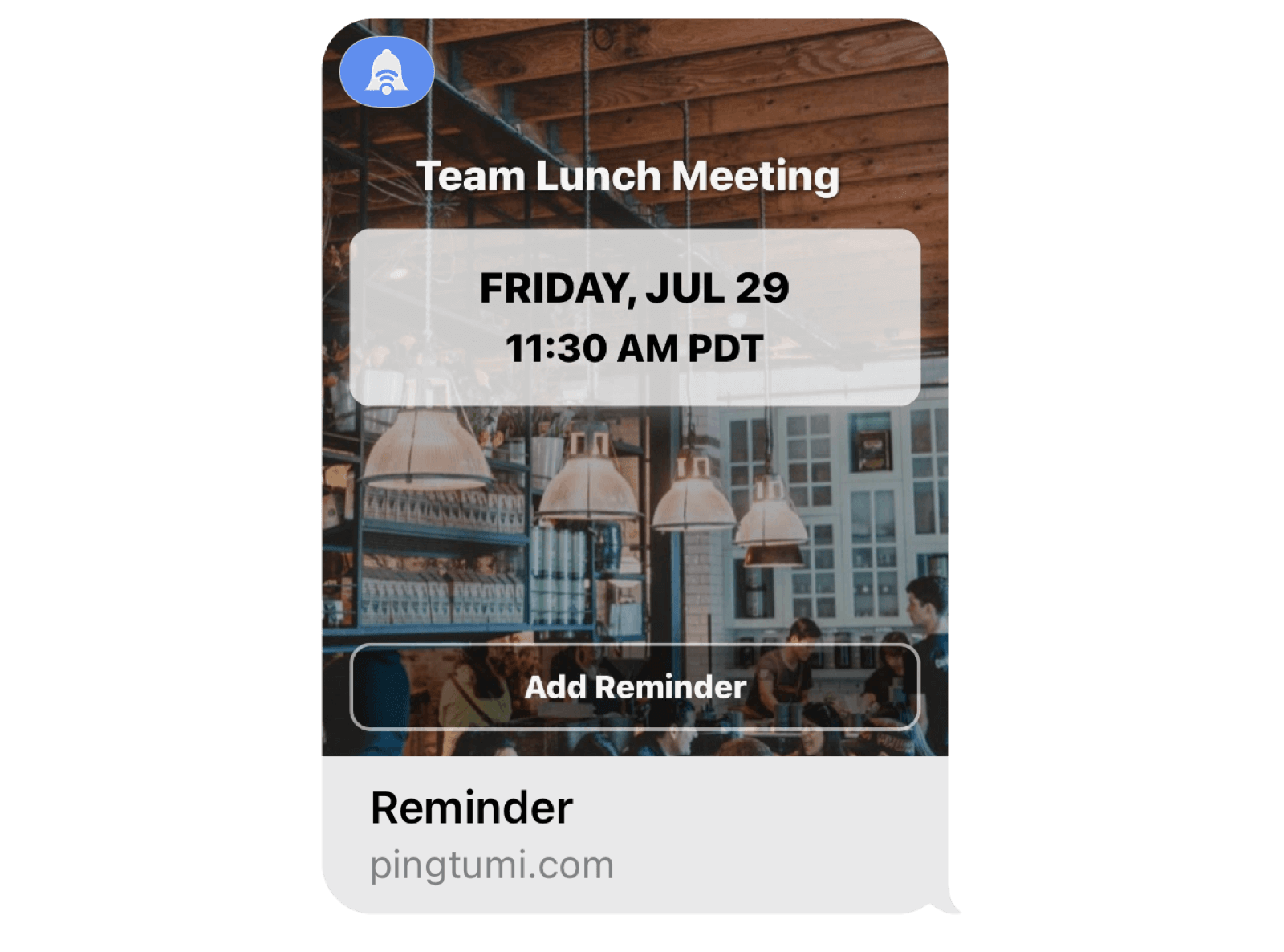
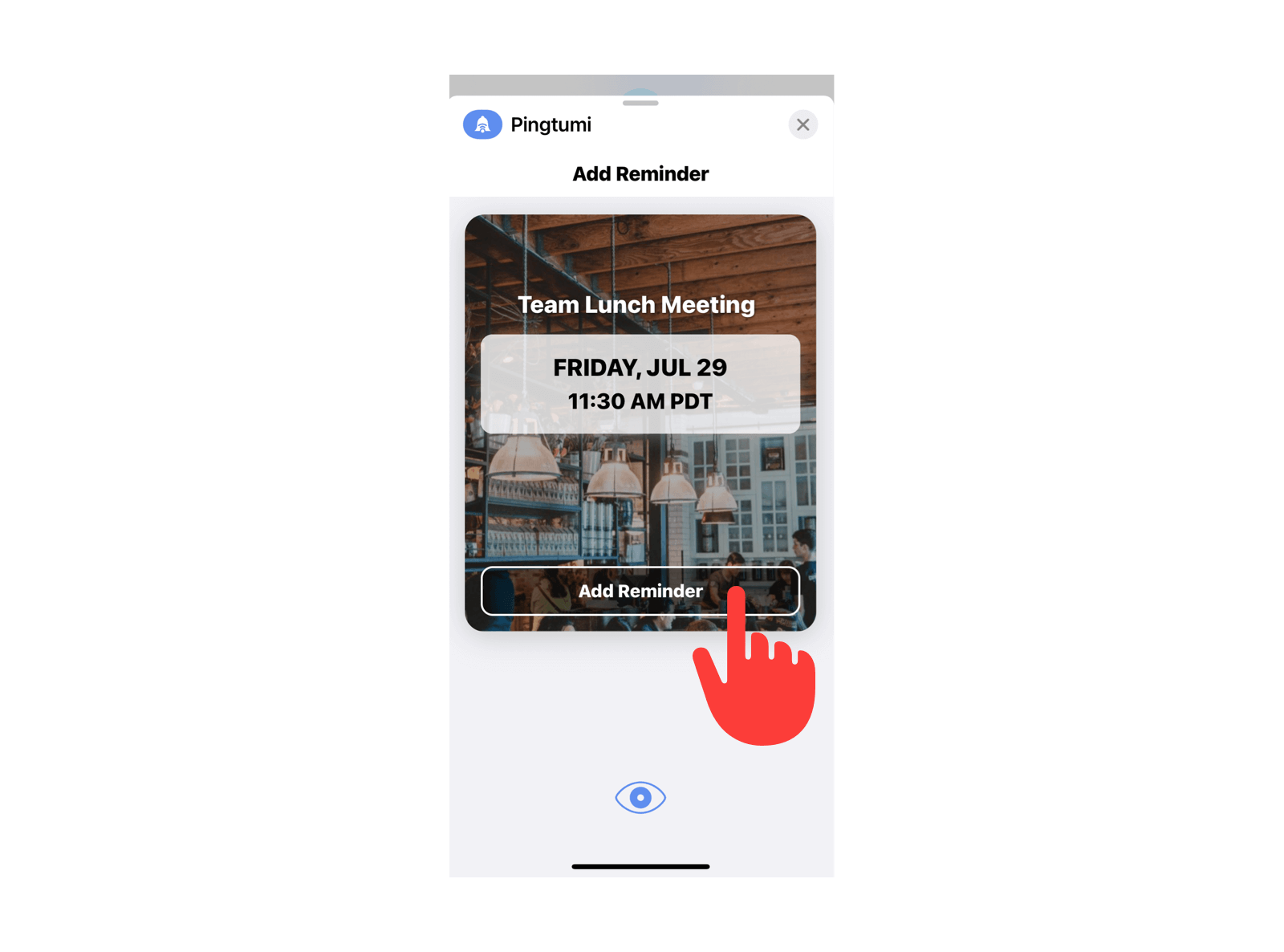
Pingtumi Reminders for iMessage makes creating and sharing reminders super easy. You can either create a new reminder in the Pingtumi iMessage app or select an existing reminder. Sending the reminder to your iMessage group can be accomplished with a single tap of the “Send” button. Recipients can also easily add the reminder to the native Apple Reminders app by tapping the “Add Reminder” button. Once everyone has added the reminder, they will receive a push notification when the due date arrives. With Pingtumi, everyone is informed.
To get started, follow the steps below. We hope you enjoy using our iMessage extension. For additional messaging capabilities, check out the Pingtumi app and learn how you can improve communications with large groups via scheduled and real time push notifications.
1. Download Pingtumi from the App Store then locate and launch iMessage on your iPhone.
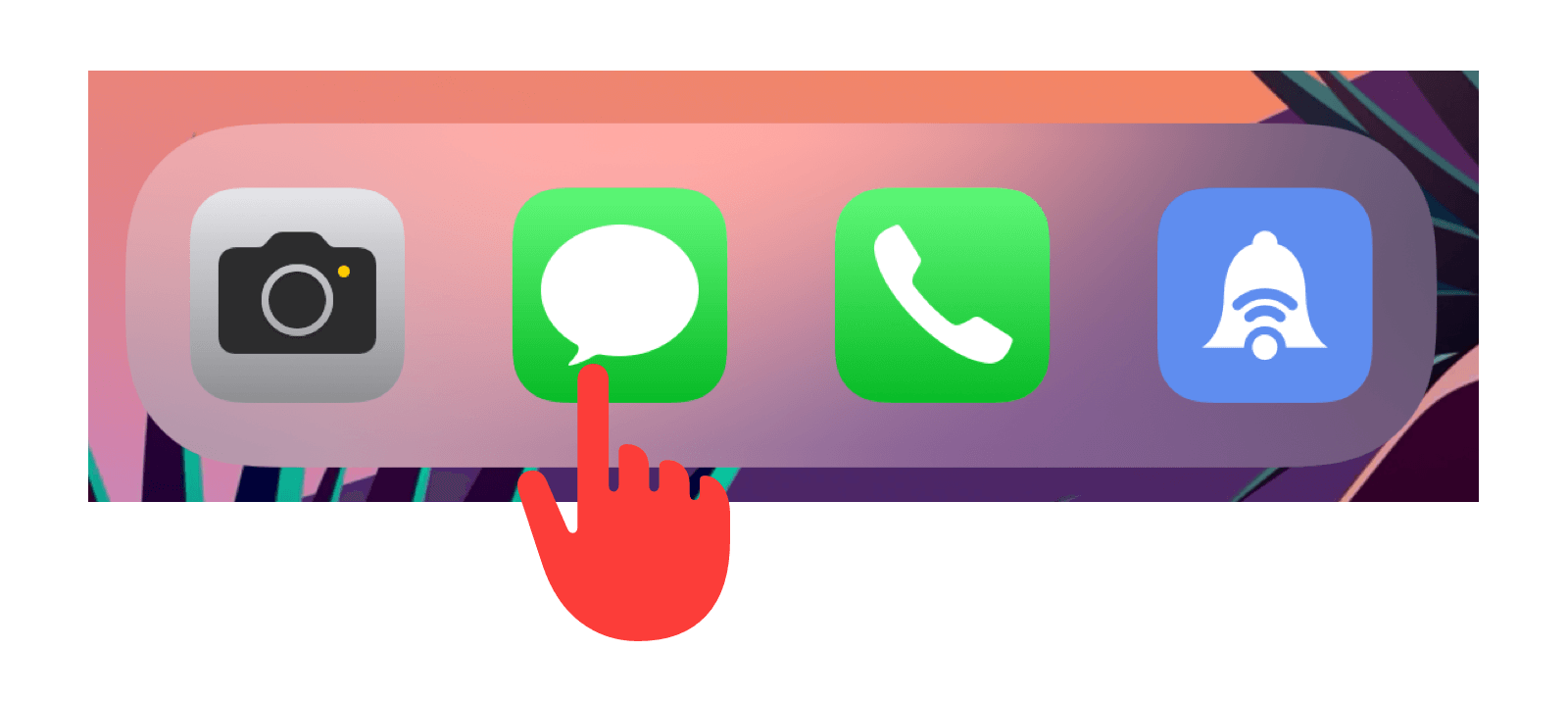
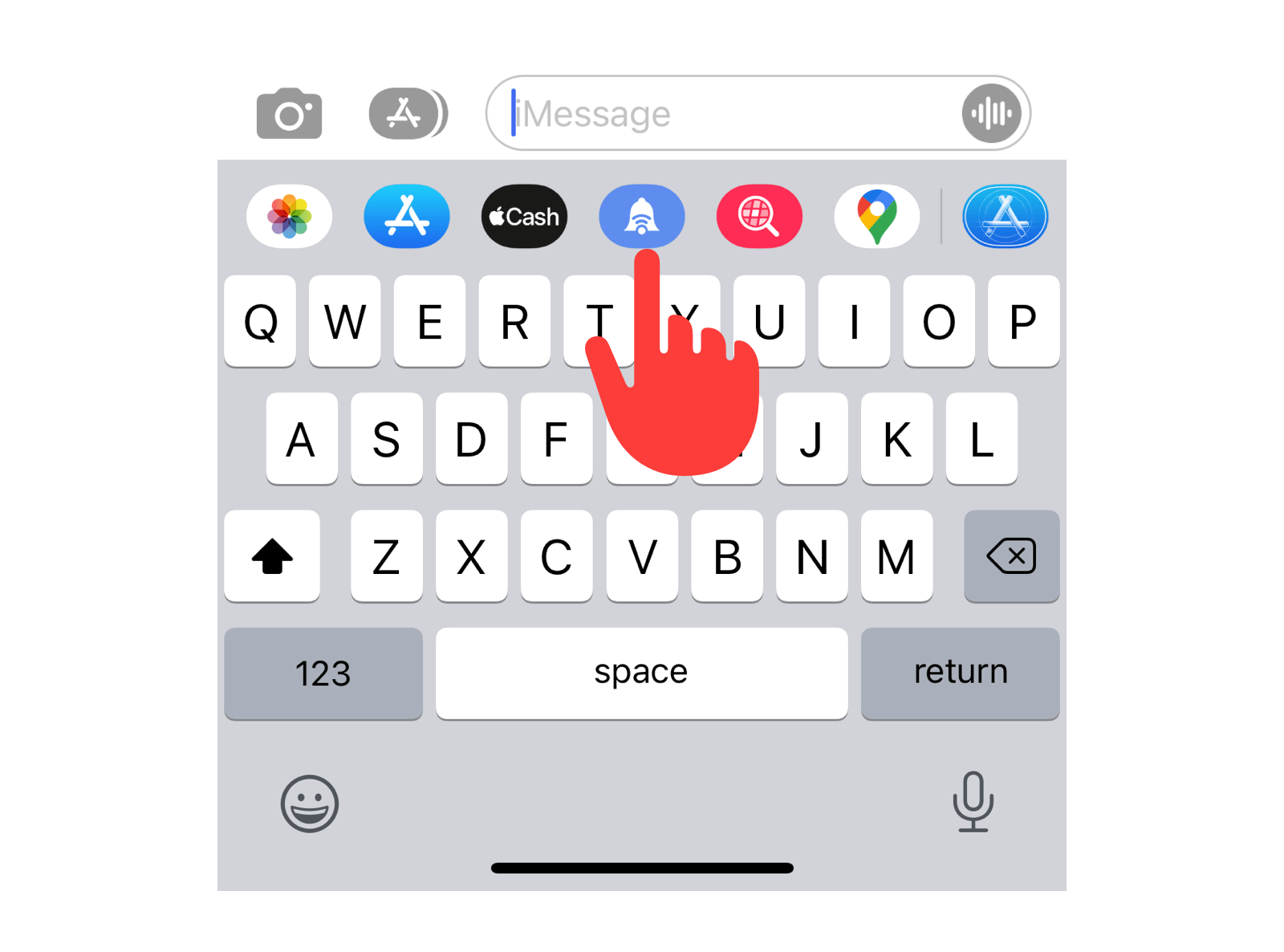
2. Scroll the app drawer below the message input bar and select Pingtumi.
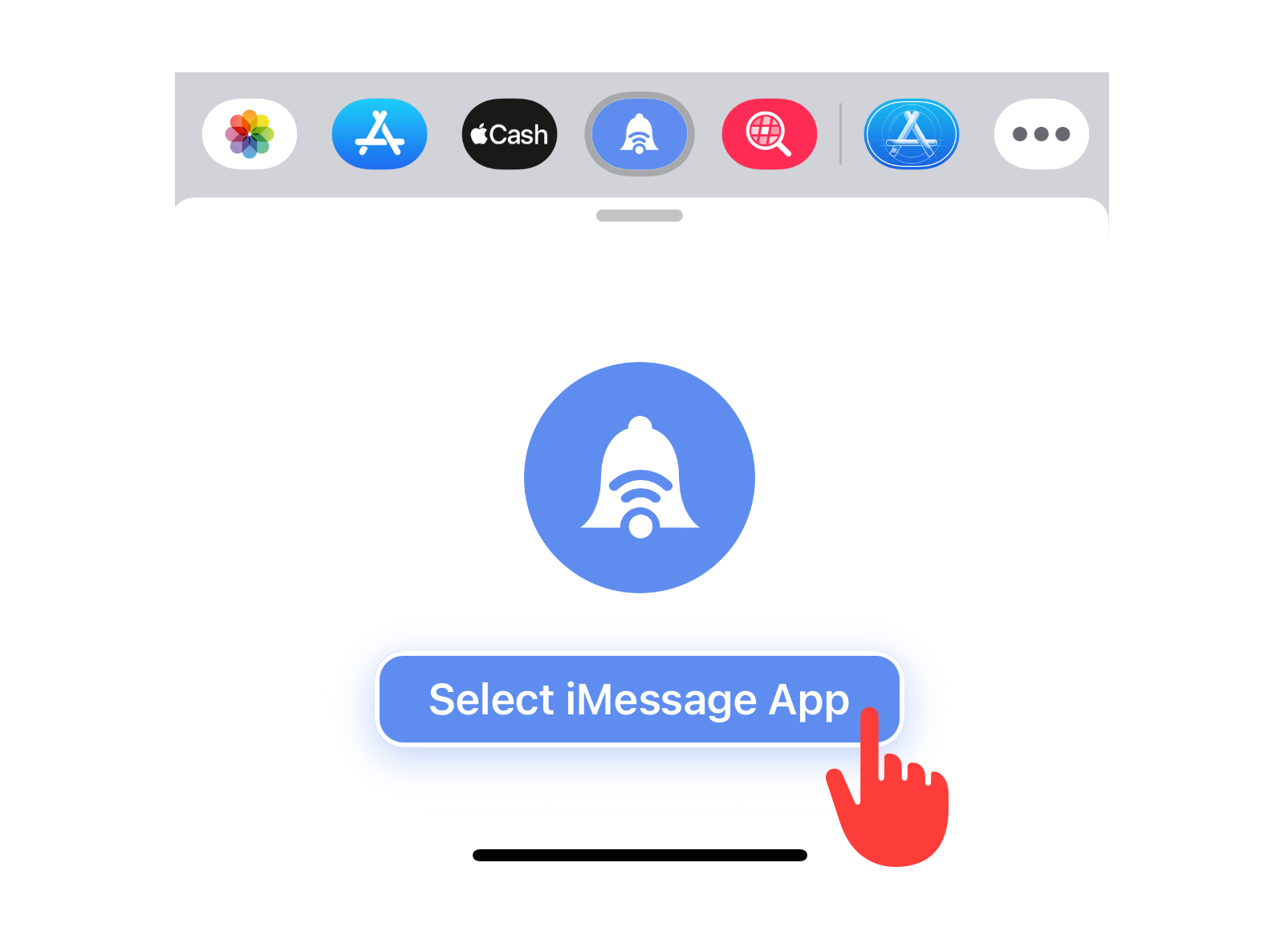
3. Select “Select iMessage App”.
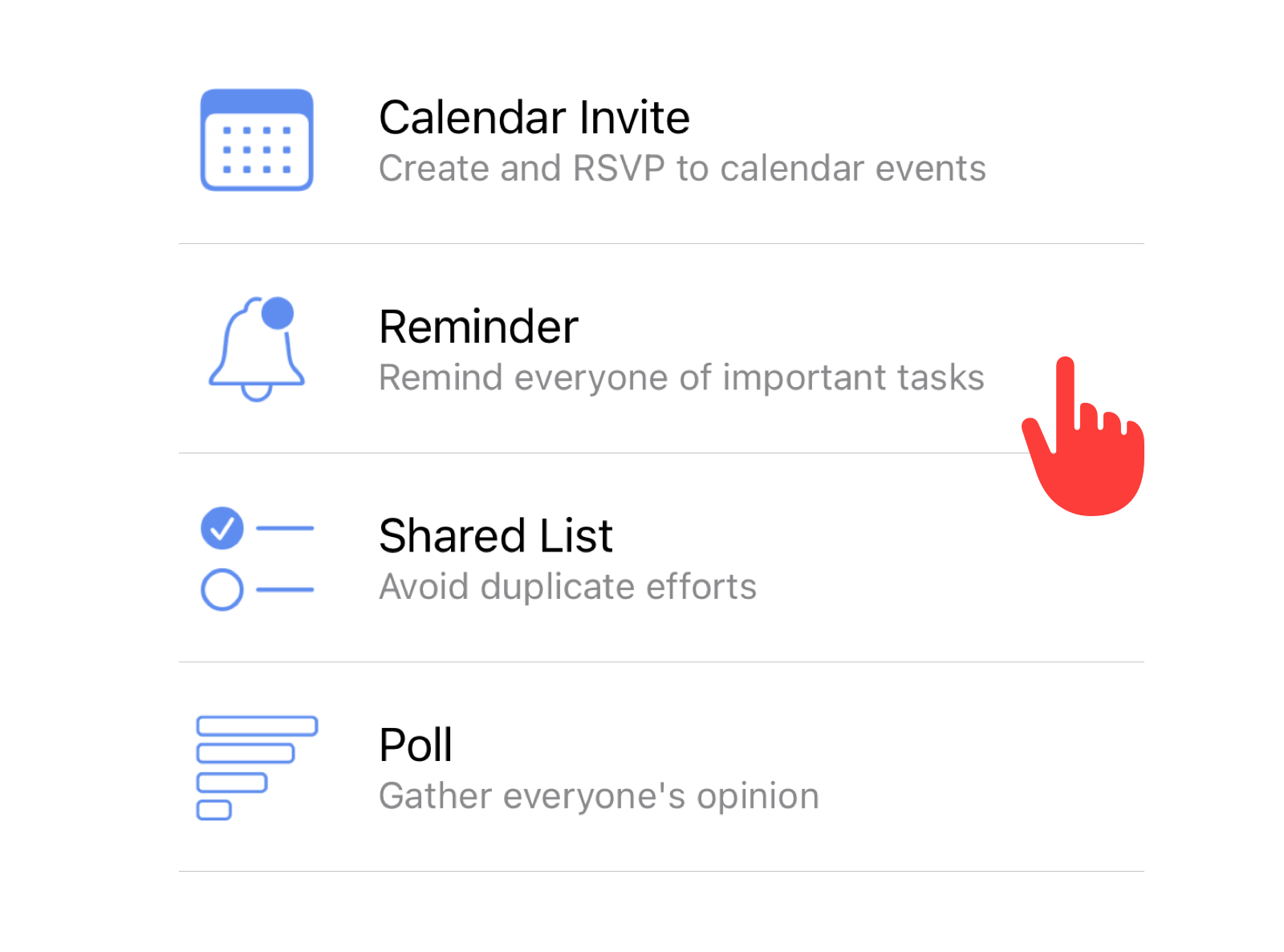
4. Select “Reminder” from the list of apps.
5. Create your reminder then tap “Send” to send it to your iMessage group.
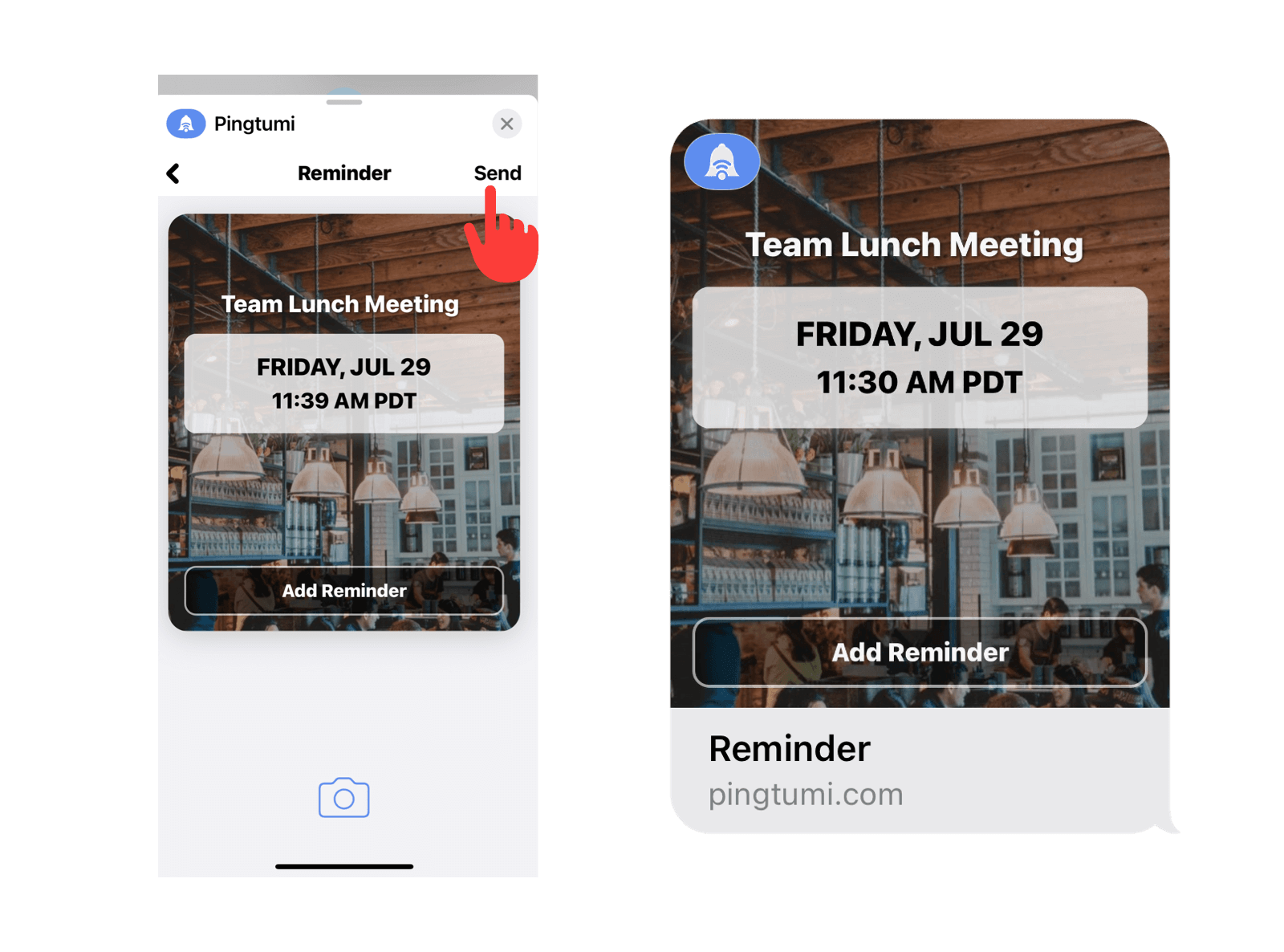
6. Recipients select “Add Reminder” to add the reminder to their native Apple Reminders app. When the reminder due date arrives, the Apple Reminders app will trigger a push notification.
We think you’re really going to enjoy creating and sending reminders via iMessage. Please feel free to drop us a note at contact@pingtumi.com and let us know how we can make your messaging experience even better.
You can download Pingtumi from the app store here or visit our website
Also, feel free to check out our other iMessage apps
Pingtumi Calendar Events for iMessage
Pingtumi Shared Lists for iMessage
Enjoy!!
Originally published on Medium on July 29, 2022.