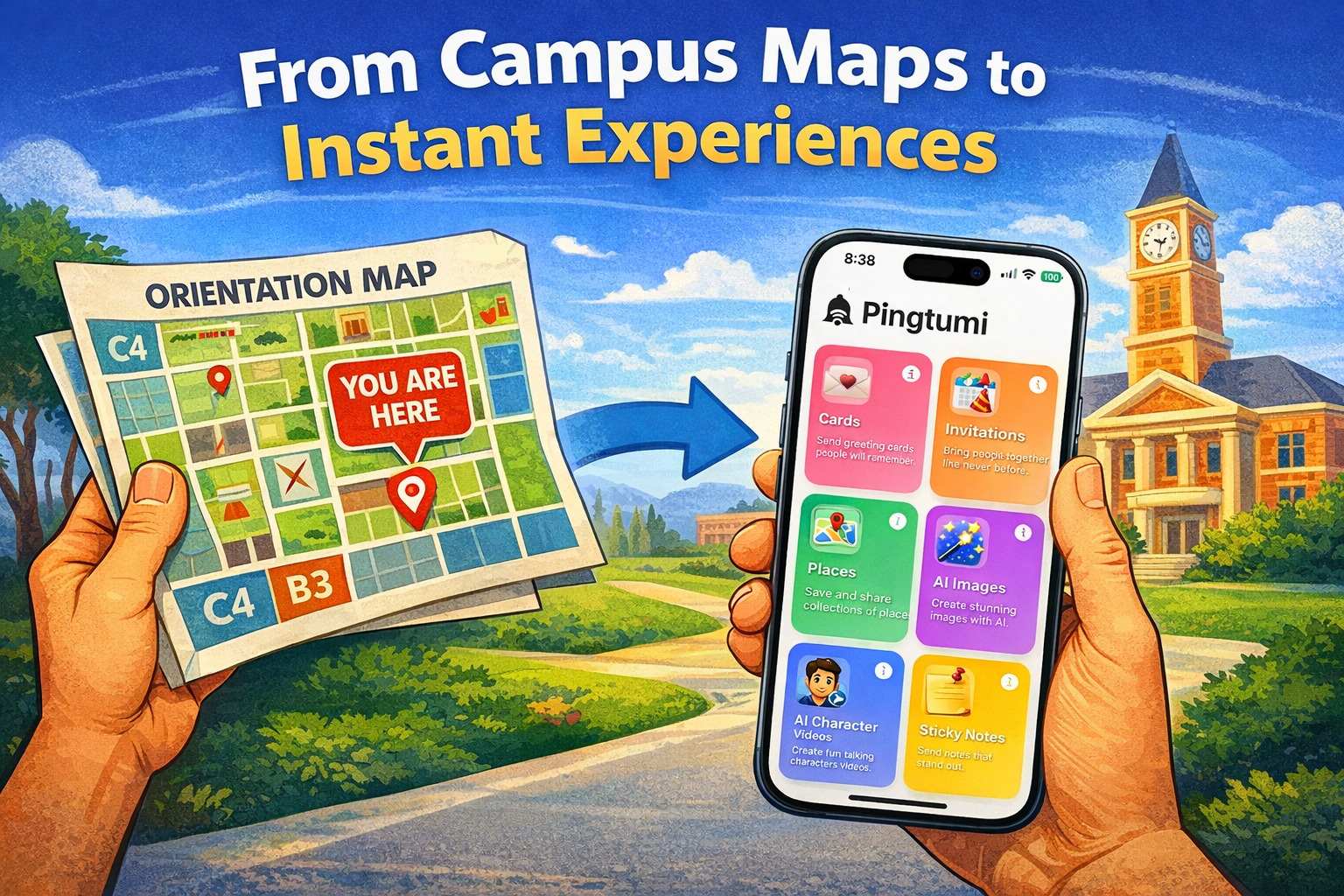
Have you ever tapped a link and instantly got access to a feature-rich app experience without ever downloading the app? If so, you’ve likely stumbled upon one of Apple’s best-kept secrets: App Clips.
Introduced at WWDC 2020, App Clips are lightning-fast, bite-sized portions of iOS apps designed to help users complete specific tasks in seconds. No waiting. No app store detours. Just instant functionality — whether it’s paying for parking, renting a scooter, or ordering food. Think of them as the “espresso shots” of mobile experiences: small, quick, and powerful.
App Clips can be launched in two ways:
Physically: Scan a QR code, tap an NFC tag, or use Apple’s App Clip Codes in the real world. Examples include:
- Reviewing restaurant menus, ordering and paying
- Paying for parking
- Paying for scooter or bike rentals
- Paying for gas/petrol at a gas/petrol station
- Viewing digital business cards
- Purchasing goods in retail stores for very specific use cases
Digitally: Tap a link in an iMessage, email, Safari banner, or even on a website to jump straight into the App Clip experience. Examples include:
- Viewing digital business cards
- Video game demos
- Ordering goods on a website where the App Clip experience is more compelling than the web experience
- Accepting invitations to events
While App Clips had a modest moment in the spotlight — especially during the scooter rental craze and pandemic-fueled contactless economy — their adoption hasn’t quite exploded. Why? Two big reasons:
1. They’re iOS-only.
2. The setup for developers is… let’s just say, not for the faint of heart.
But where others see friction, we at Pingtumi see opportunity.
The Pingtumi Approach: Breathing New Life into App Clips
At Pingtumi, we’ve embraced digital invocation — the lesser-used but immensely powerful method of launching App Clips — to reinvent how people share digital greeting cards and invitations.
Here’s how it works:
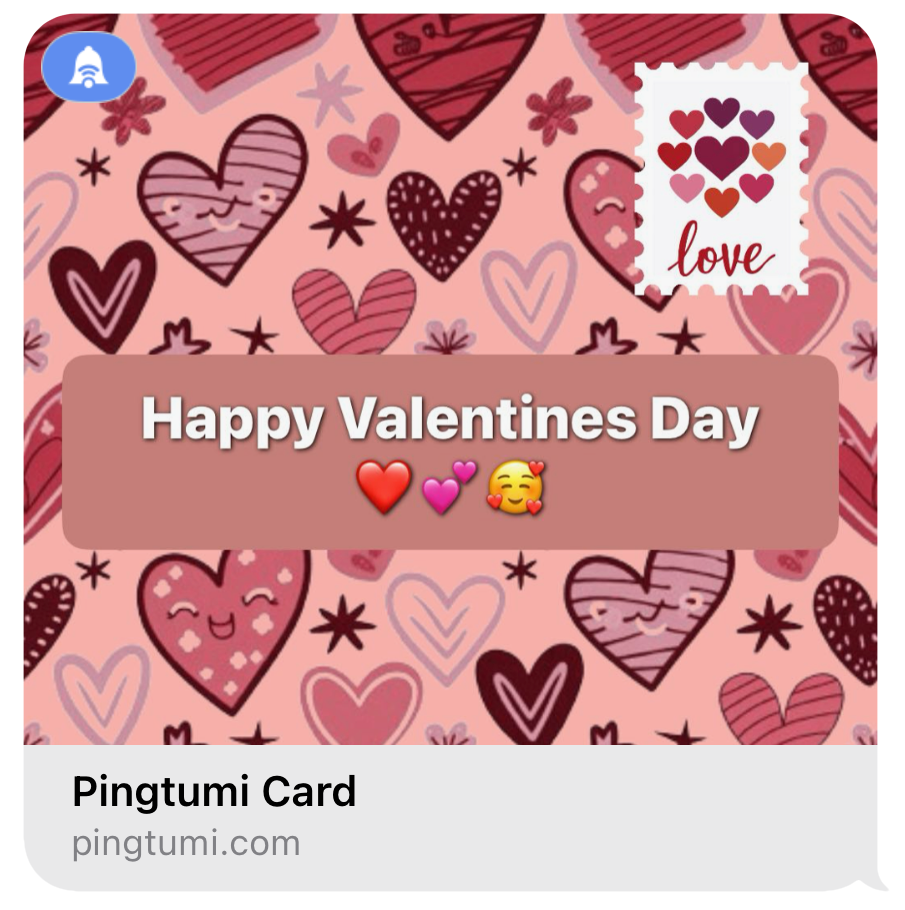
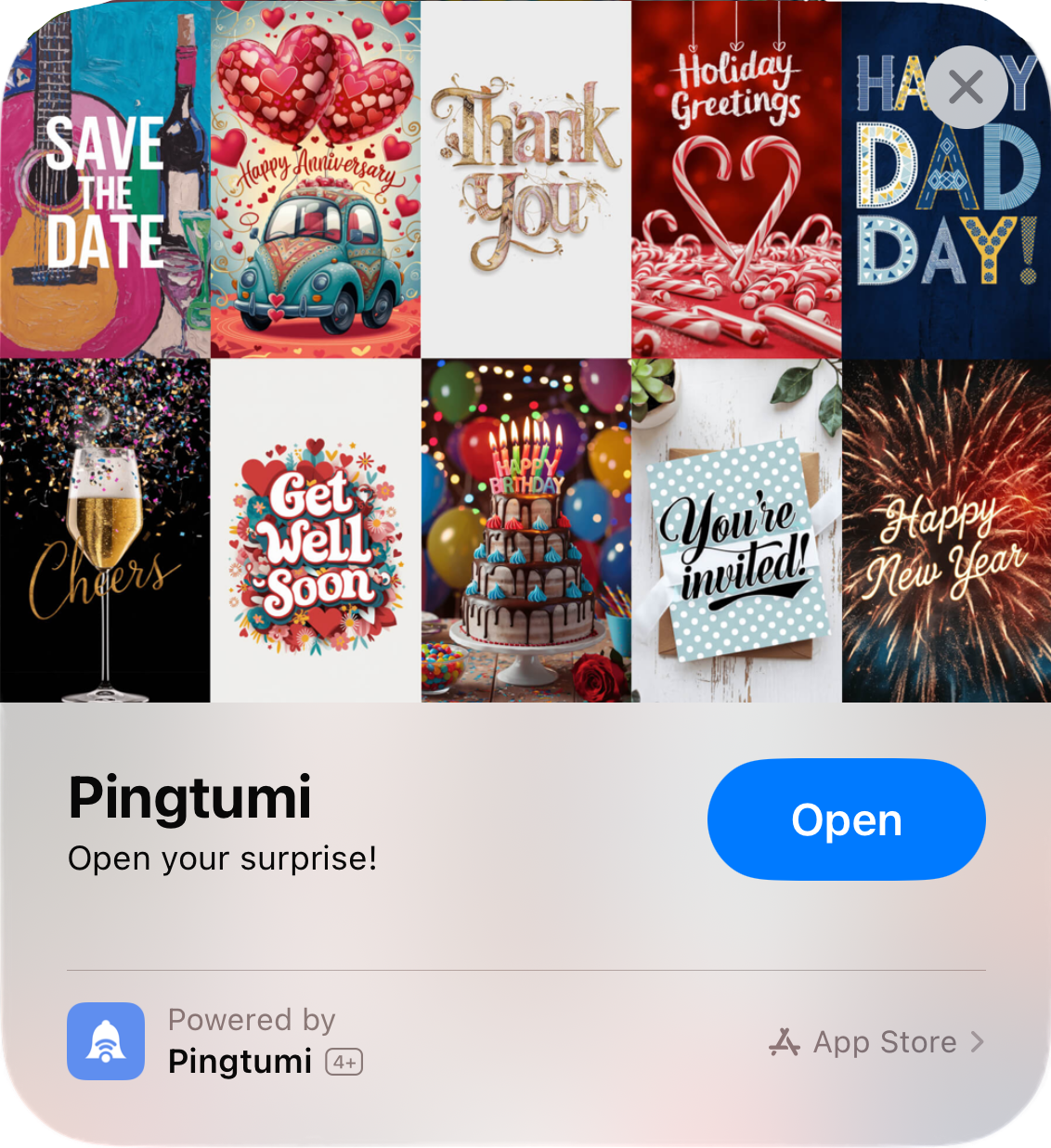
You create a card or invitation using the Pingtumi iMessage app. When the card or invitation is sent, the recipient taps the link and boom — the App Clip opens instantly, right in their iMessage thread, no app download required. The recipient can then copy and paste the link into any iMessage conversation, email, or website.
It’s as seamless as sharing a YouTube video or a Spotify song — but it feels even more personal.
Why App Clips Make Pingtumi Shine
Unlike most App Clip use cases that are built around physical triggers (think scooters, menus, parking meters), Pingtumi flips the script. Our greeting cards and invitations travel digitally, making them perfect for sharing across conversations and platforms. It’s about delight, surprise, and connection — delivered in seconds.
But we don’t stop at sharing. Every card can be:
- Personalized with photos from your iPhone’s photo library
- Or supercharged with AI-generated imagery tailored to your message or occasion
From birthdays to brunch invites, heartfelt apologies to just-because hellos — Pingtumi makes each moment uniquely yours.
Try It Yourself
Don’t just take our word for it. See App Clips and Pingtumi in action. Tap on the links below using your iPhone:
The Future Is (Still) Bright for App Clips
We believe App Clips were ahead of their time — and now, their moment is returning. As mobile users crave faster, lighter, and more contextual experiences that leverage the power of AI, App Clips are poised to shine and at Pingtumi, we’re just getting started.
We’re experimenting. We’re learning. And we’re committed to uncovering new ways to bring this overlooked Apple gem back into the mainstream — with delight, personalization, and a little magic in every tap.
You can download Pingtumi from the app store here.
Also, feel free to check out our other iMessage apps
Pingtumi Sticky Notes for iMessage
Pingtumi Calendar Events for iMessage
Pingtumi Shared List for iMessage
Pingtumi Reminders for iMessage
Pingtumi Availability for iMessage
Happy Pinging!
Originally published on Medium on April 22, 2025.