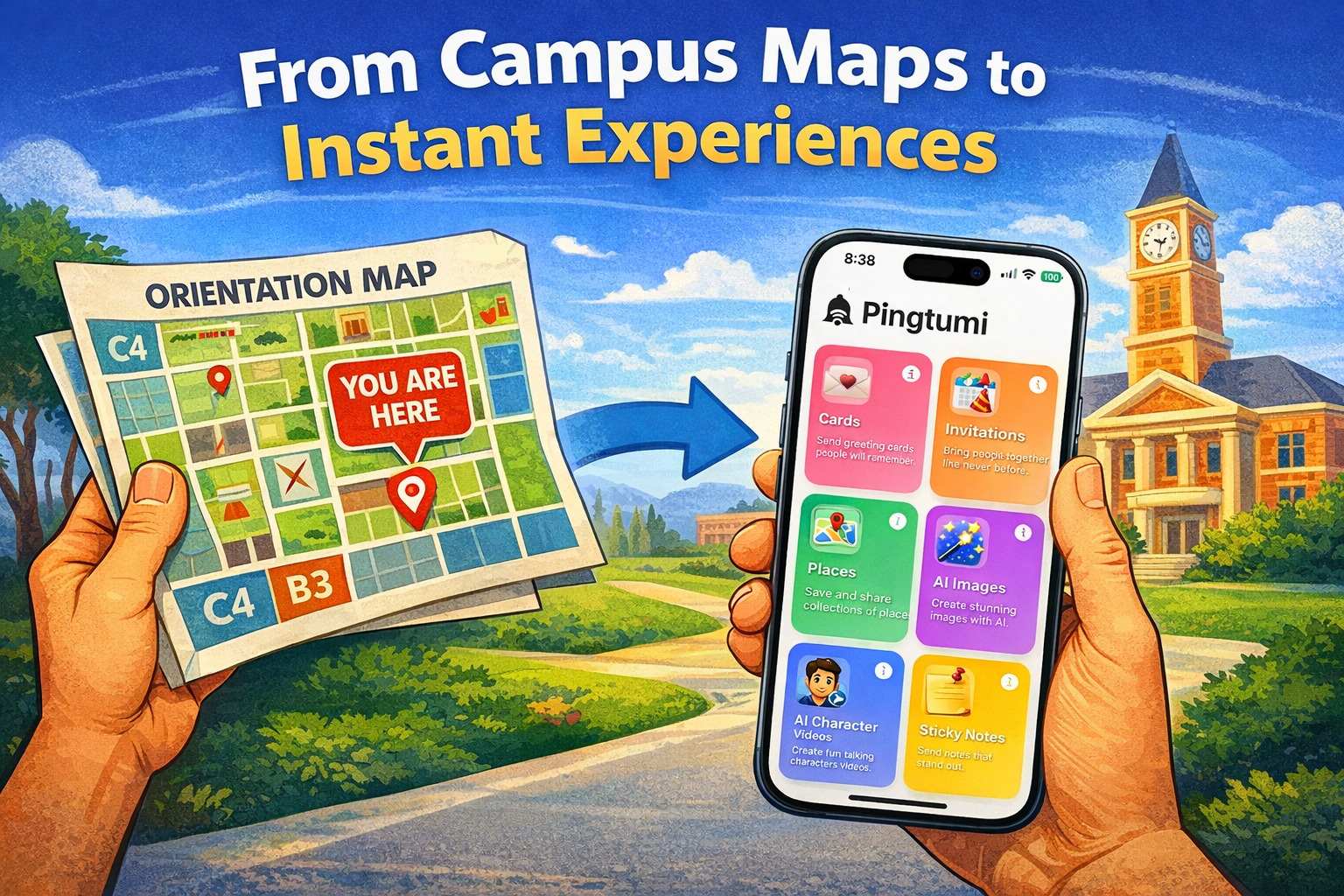

Ever found yourself in this situation?
You’re busy with your day when suddenly it hits you: today is someone special’s birthday. It’s too late to mail a card but you want to do more than send a simple “Happy Birthday” text accompanied by a string of cute emojis. Not to worry — Pingtumi to the rescue.
Pingtumi for iMessage now features over 100 stunning, high-resolution AI-generated birthday cakes. These realistic designs come in a variety of shapes, sizes, flavors, and colors, all customizable to your heart’s content.
Add the recipient’s name, tweak the design, change the candle count, or even set the perfect background scene. The result? A thoughtful, personalized birthday greeting that’s as unique as they are.
With Pingtumi, creating a customized cake is quick, fun, and incredibly easy. With just a few taps and a splash of creativity, you can whip up a masterpiece that surprises and delights.
Here’s how to get started:
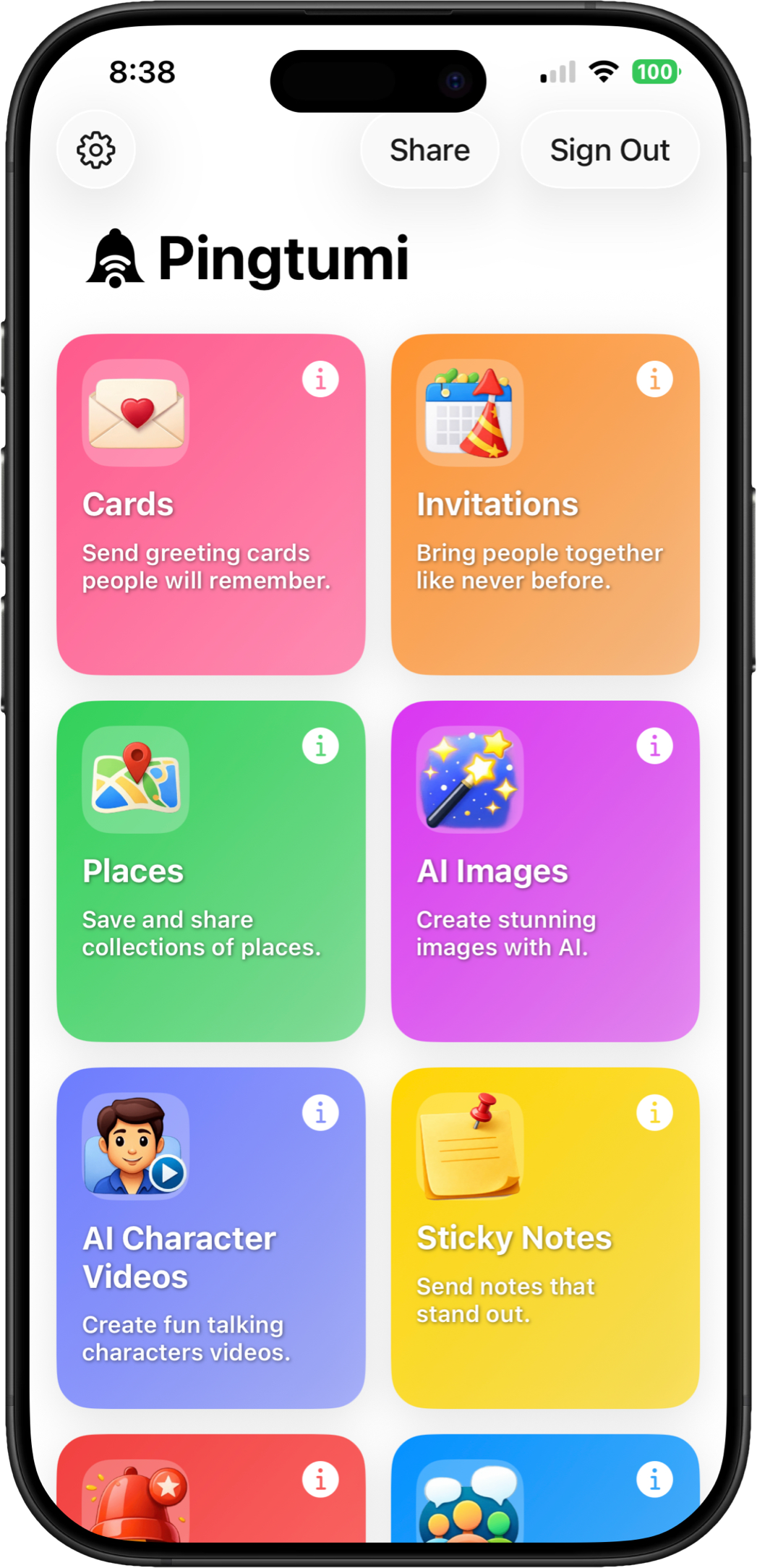
1. Install Pingtumi from the Apple App Store and Sign Up using Apple, Google or email. Pingtumi requires that you have iOS 17 or later installed. Once installed, tap on AI Images, then select “Image for a birthday” then select “Cake”.
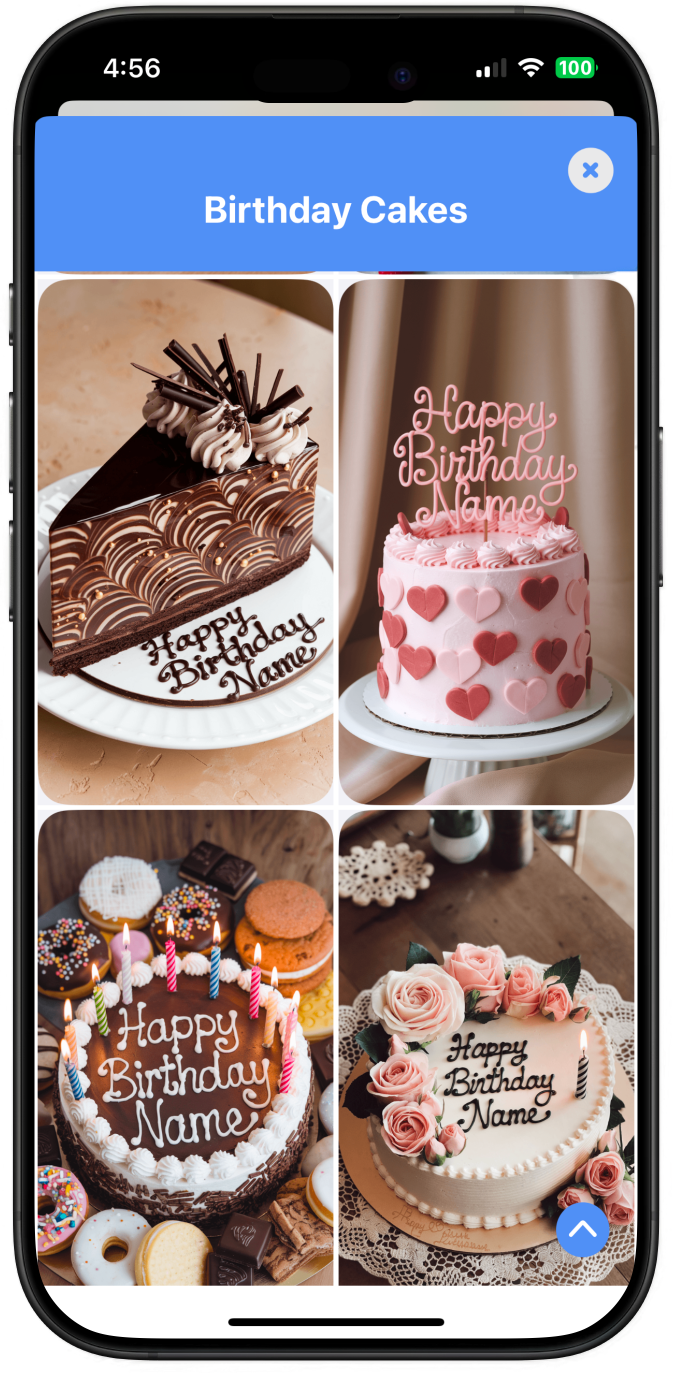
2. Browse our cake collection then select a cake to customize.
3. Tap the Customize button then modify the AI-generated prompt.
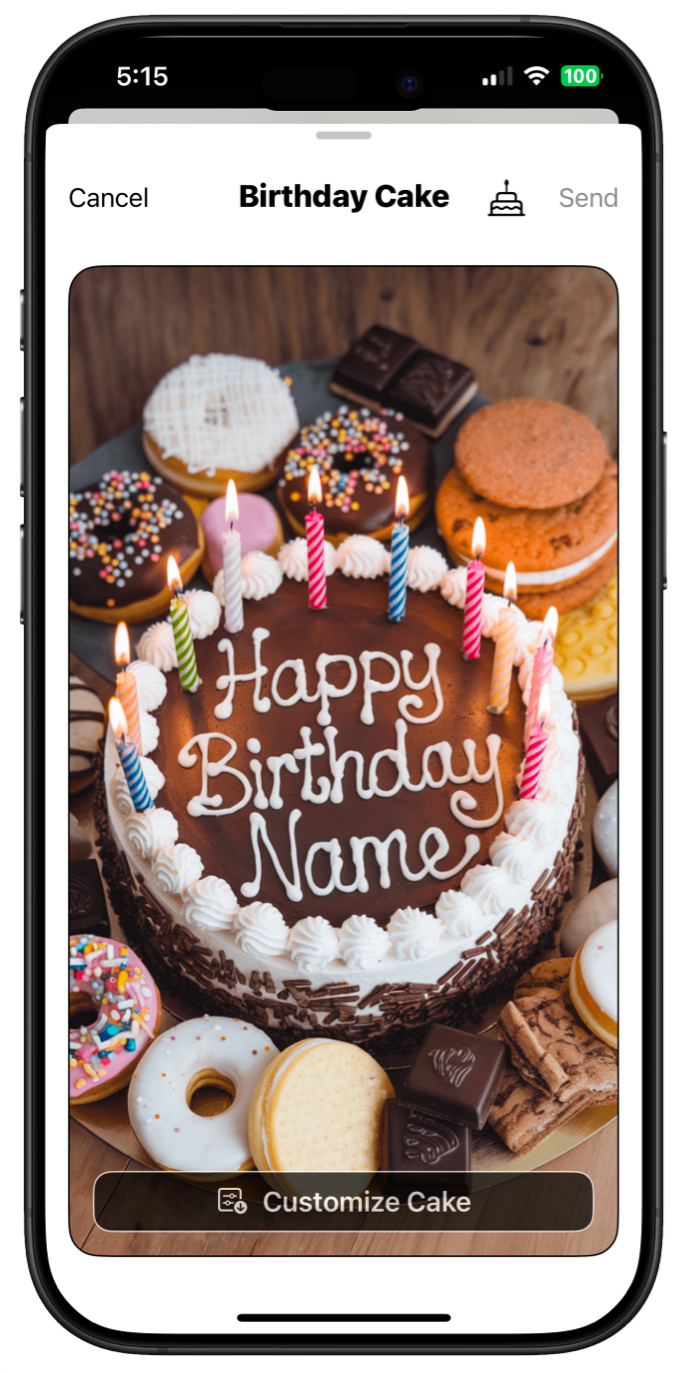
4. Follow the instructions to modify your cake’s design, then tap Done. Your custom cake will be “baked” in approximately 20 seconds.
5. Save your masterpiece to your photo library then tap Send to share via iMessage, Email or social media.
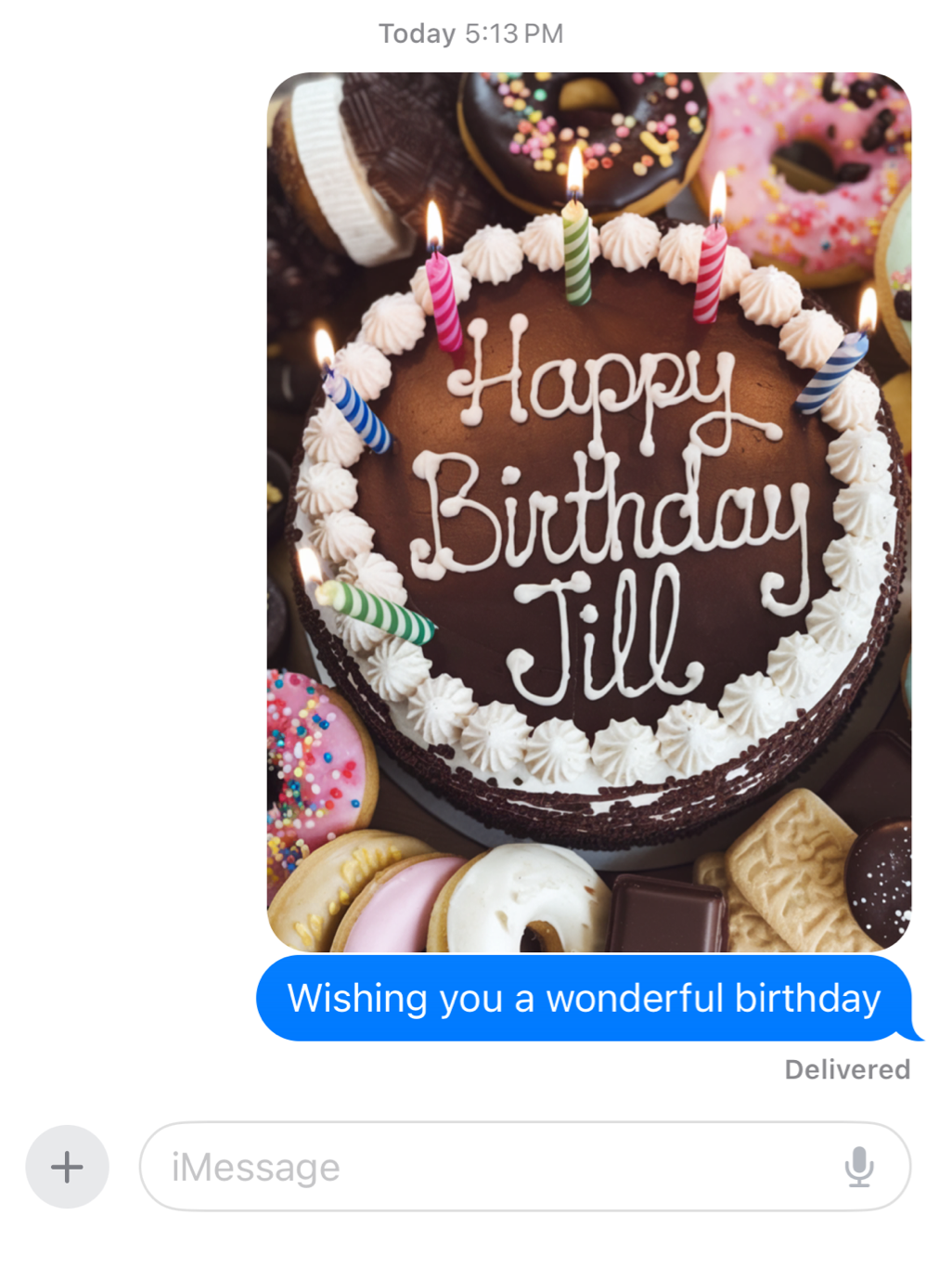
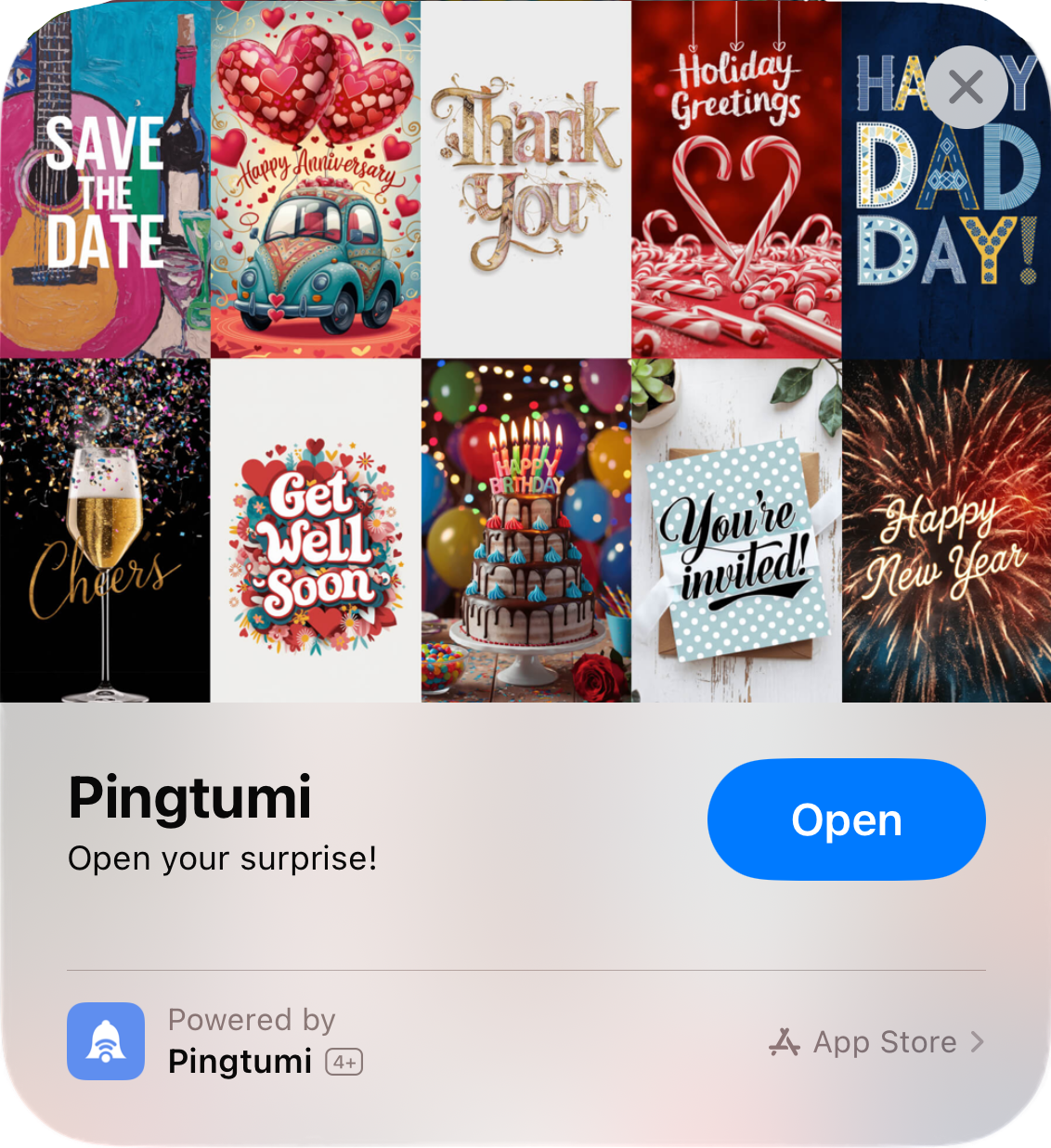
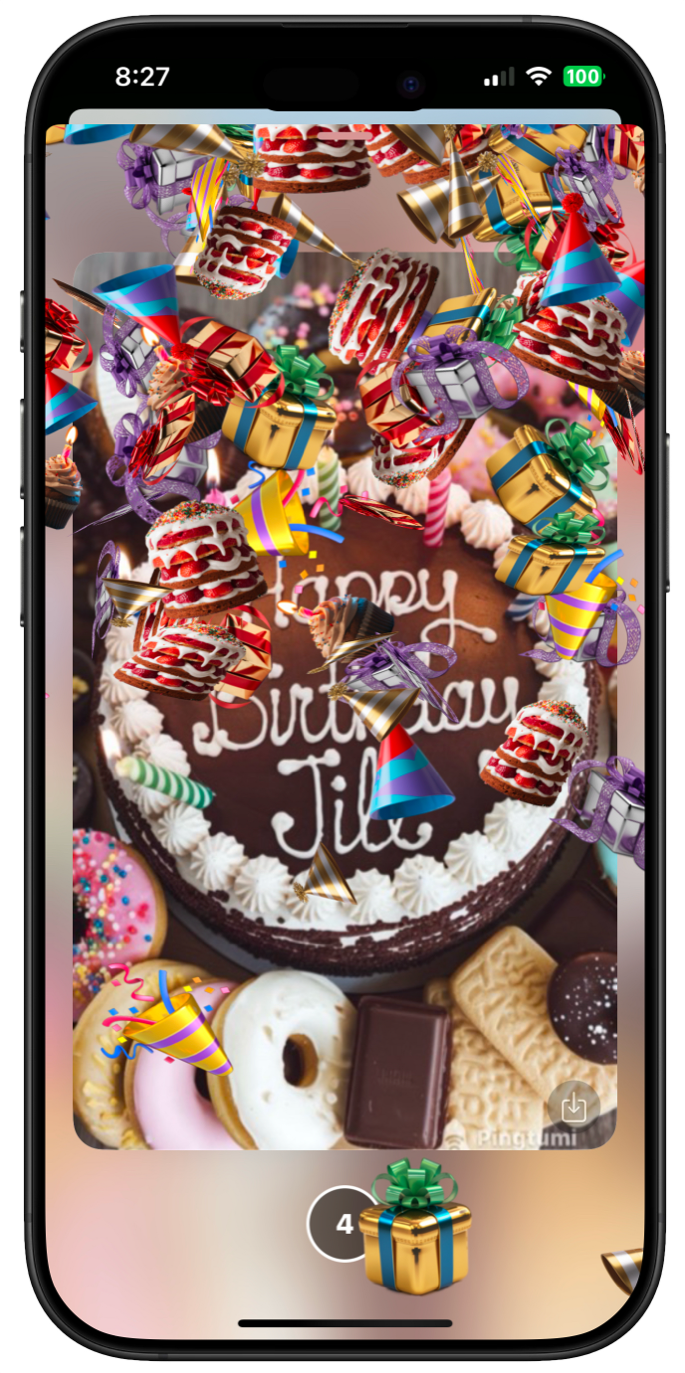
Want to go the extra mile? Create a personalized birthday card with special effects that can be sent as an App Clip. Simply tap the Card/Invitation button, select Card, then navigate to the Cover tab and choose Birthday Cakes.
We can’t wait to see the amazing cakes you’ll “bake” this year. Share your delicious creations or prompts with us at contact@pingtumi.com — we’d love to feature your masterpieces.
Happy Baking!
Originally published on Medium on January 28, 2025.