Food Trucks

Pingtumi for Food Trucks

Add Subscribers

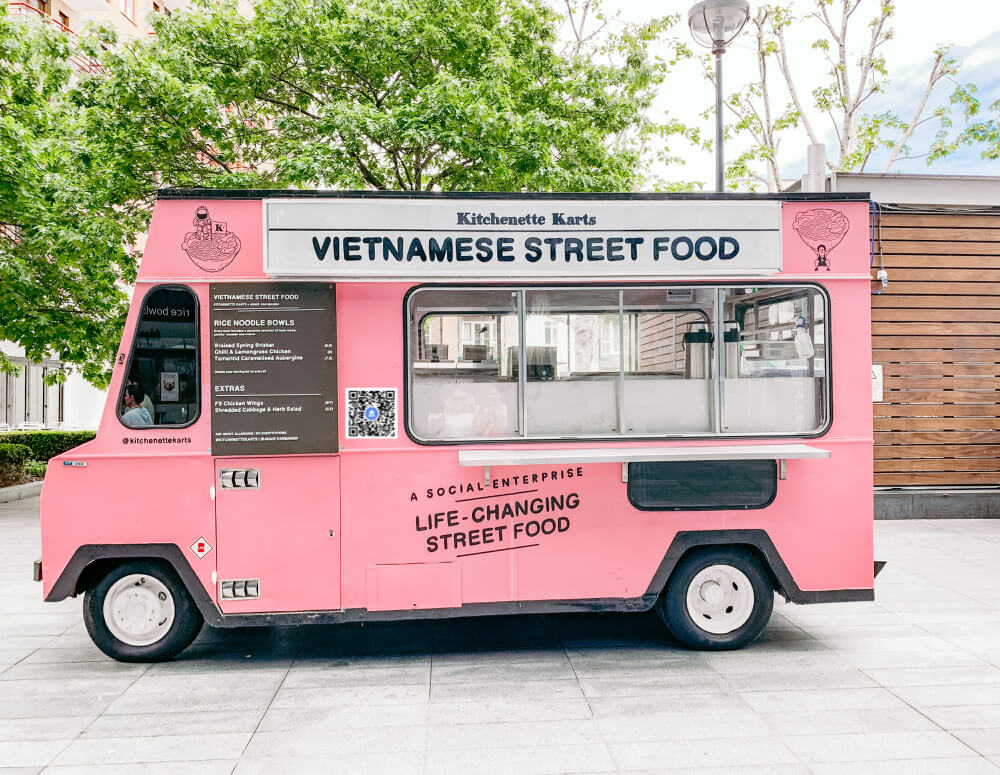
Add a Pingtumi QR code to your food truck. When your customers scan the QR code, they will be subscribed to your messaging channel. You can add a single QR Code for all locations or multiple QR Codes for different locations. QR codes can be generated directly within the Pingtumi app.

Message Customers

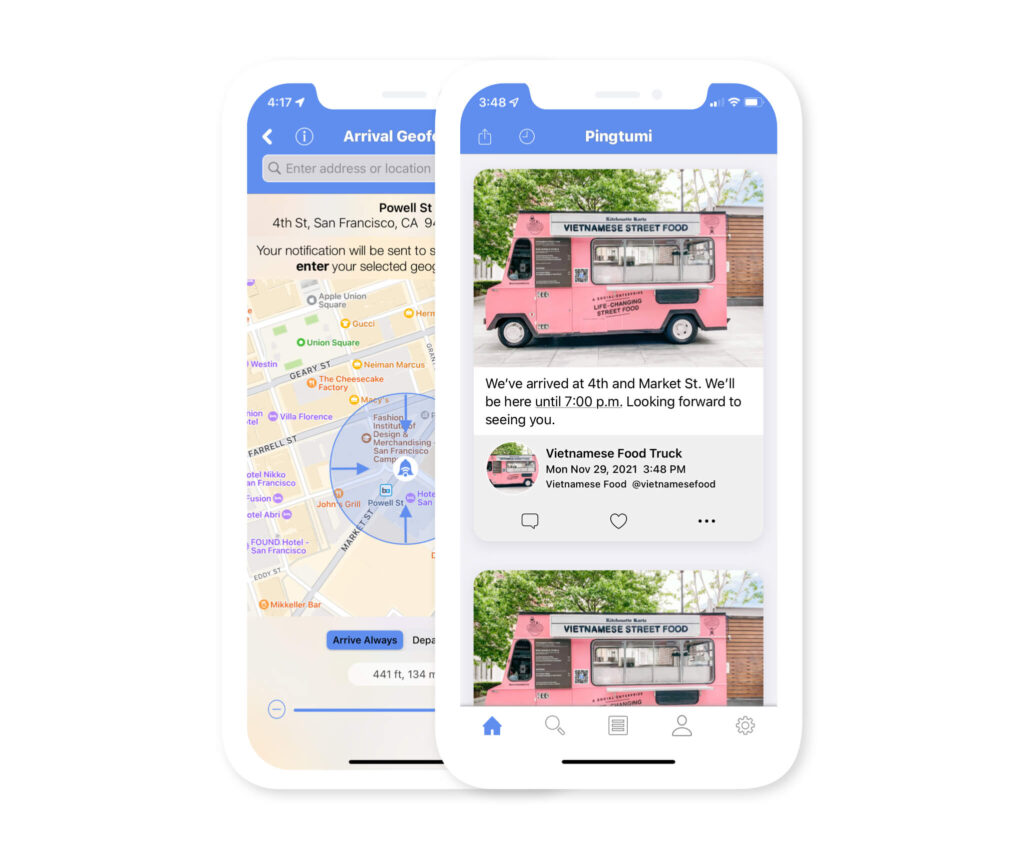
After customers have subscribed to your messaging channel, you can message them at any time. Manually send your messages when you arrive at your destination or create geofences and have your messages automatically sent.

Receive Feedback

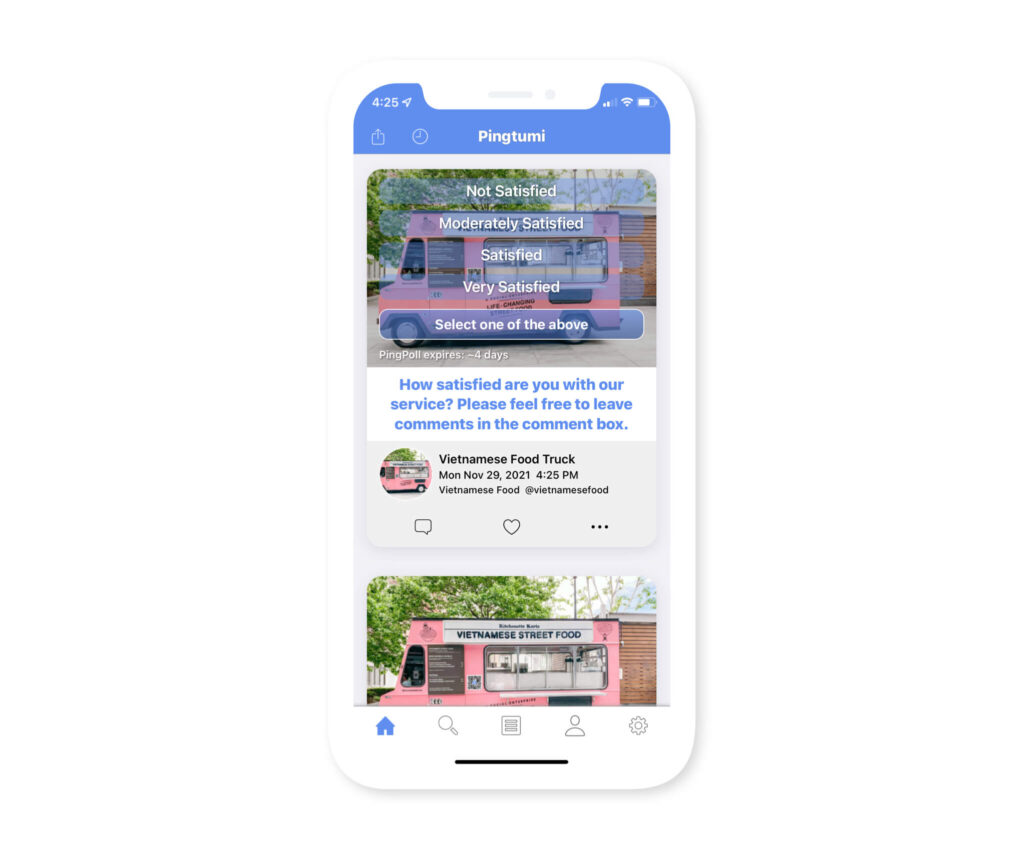
Ever wondered what customers think about your service? Pingtumi makes it super easy to receive feedback. Create a simple poll then send it as a notification. Customers can provide instant feedback or even leave detailed comments.

Simplify Online Ordering

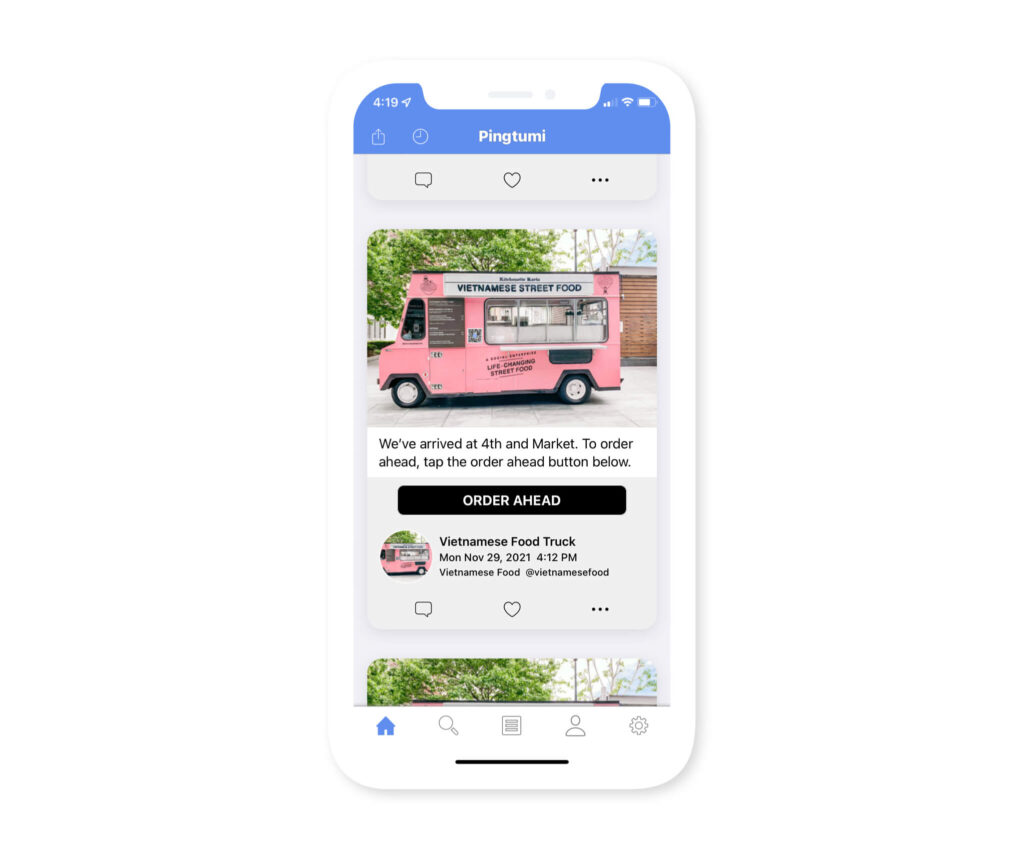
Add a “Call to Action” button to your notification that links to any website of your choice. For example, if you’re using a custom or third party online ordering service such as Square, you can link to your online ordering page so customers can order ahead.