Features
Multimedia Messaging
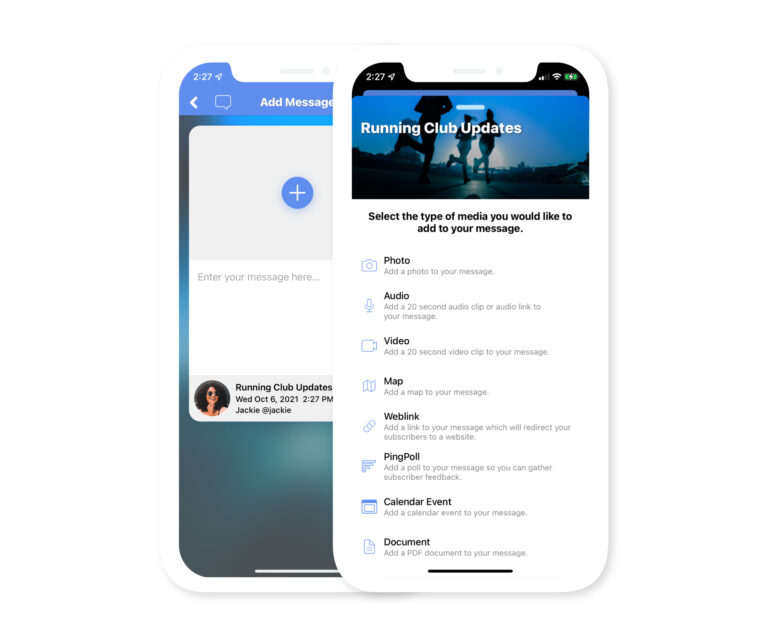
Pingtumi supports a vast array of media types that can be added to each message. When creating your message, tap the + icon in the center of the message screen then select the type of media you’d like to add. You can also combine multiple media types into a single message. For example, you can add a map then append an audio clip with supporting text or add a calendar invite with a background image.
Time Scheduling
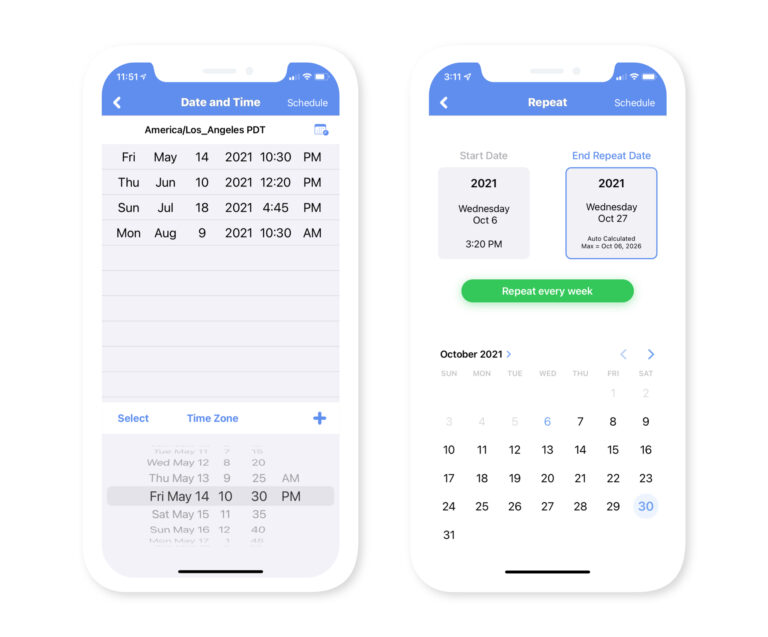
The messages you create on Pingtumi don’t need to be sent immediately. With our time scheduling feature, you can schedule their delivery on a recurring (daily, weekly, monthly) or non recurring basis. Time scheduling is super convenient when you’d like to remind yourself or your subscribers of important events that occur sometime in the future. Simply create your message, set the schedule and we’ll take care of the rest.
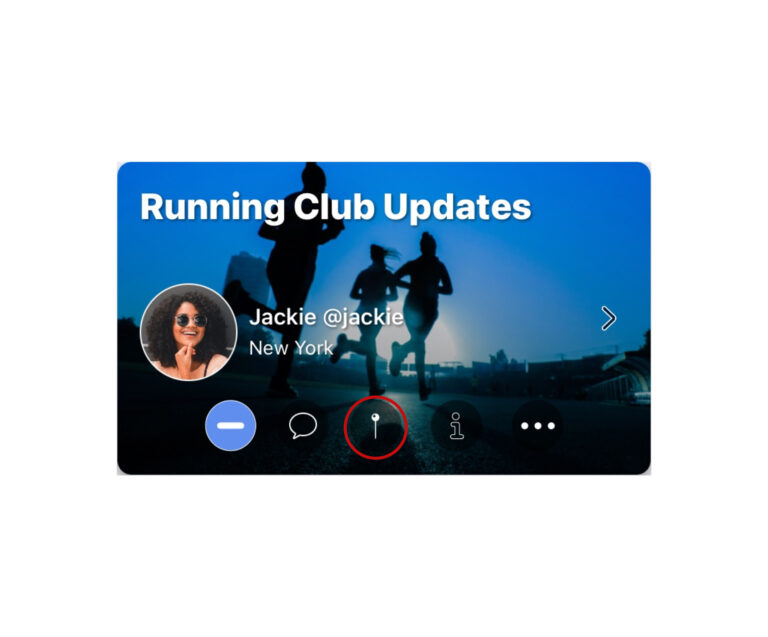
Location Scheduling / Geofencing
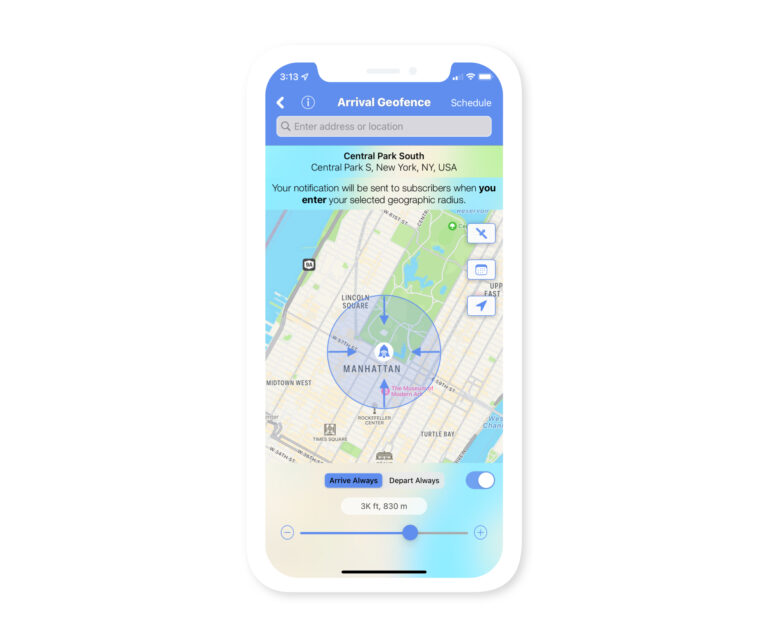
Pingtumi supports two different types of geofencing. When creating a message, you can elect to have the message sent to your subscribers when you enter or exit the geofence or alternatively, when each subscriber enters or exits the geofence. Geofence message triggers can also be restricted by date or time.
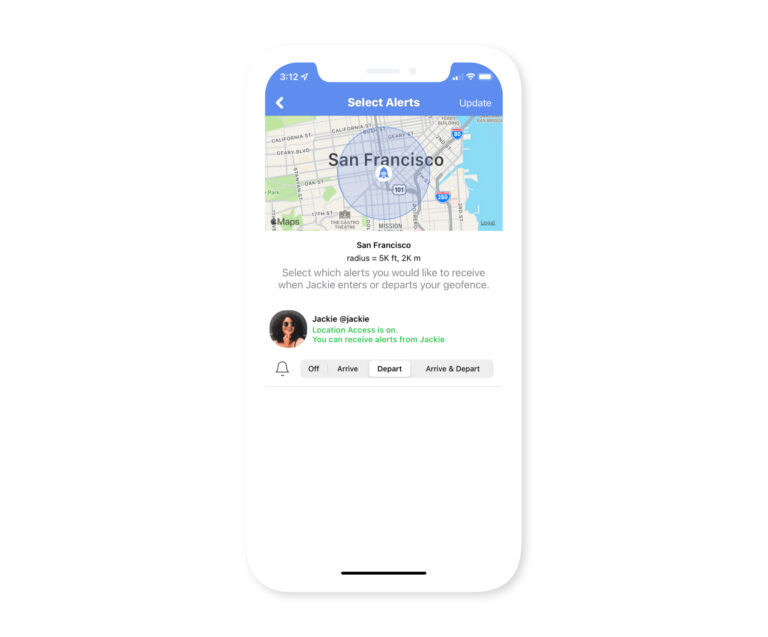
In addition to geofence message triggers, we also support geofence alerts. Geofence alerts differ in that they are triggered when channel subscribers of your choice enter or exit the geofences you create. To trigger a geofence alert, you don’t need to create and accompanying message, all you need to do is ensure that your subscribers have location services turned on. For example, if you’d like to know when your child has arrived or left home or school, just add them to your channel and set geofence alerts for the home or school.
PingPolls
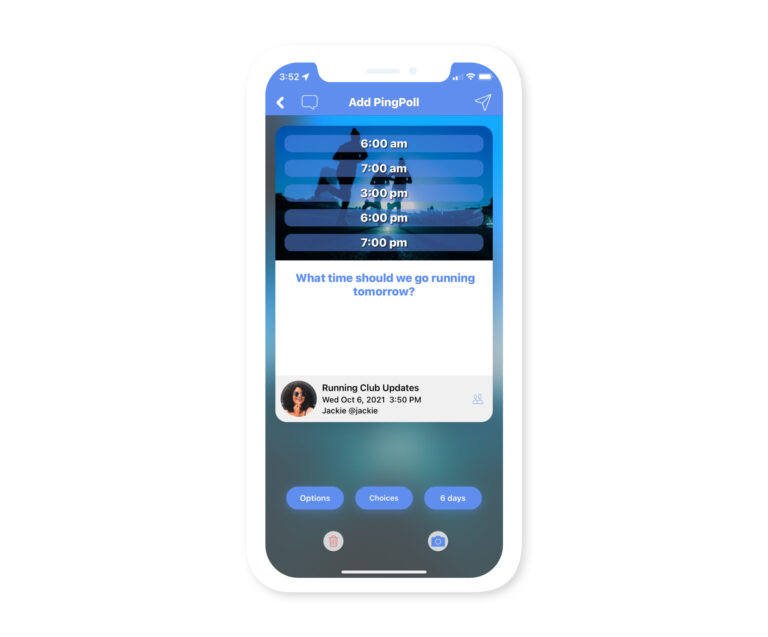
PingPolls are Pingtumi’s version of the standard mobile polling we’ve come to enjoy. When creating your message, select the PingPoll option then add your poll question and response options. You can also customize the color of the polls results as well as add a background image to bring your poll to life. Subscribers can vote on one or more of your poll options and the results are presented immediately.
Channel Chat
For each channel you create, you can opt to enable Channel Chat on a per channel basis. By default, each chat message is automatically deleted after 3 months but the delete cycle can be customized by you, the channel owner. Our chat feature supports basic chat and avoids users having to exit the app to communicate with the channel owner or other channel subscribers.
Location Sharing
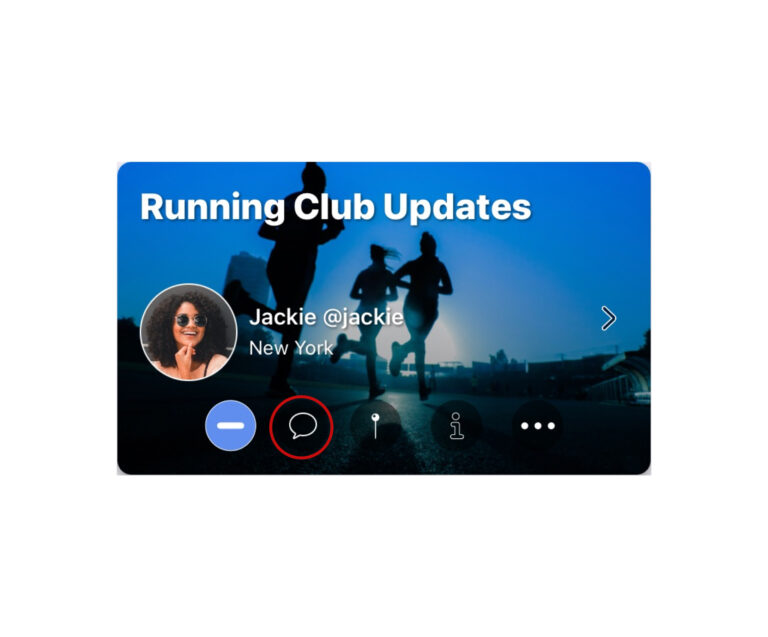
As a channel owner, you can opt to share your real time location with channel subscribers. Alternatively, you can share your location by date and time. When channel subscribers tap on the location button for your channel, they will be presented with a map that displays the most recent recording of your location. Location sharing can be turned on and off at any time so your privacy is always protected.
Quick Alerts
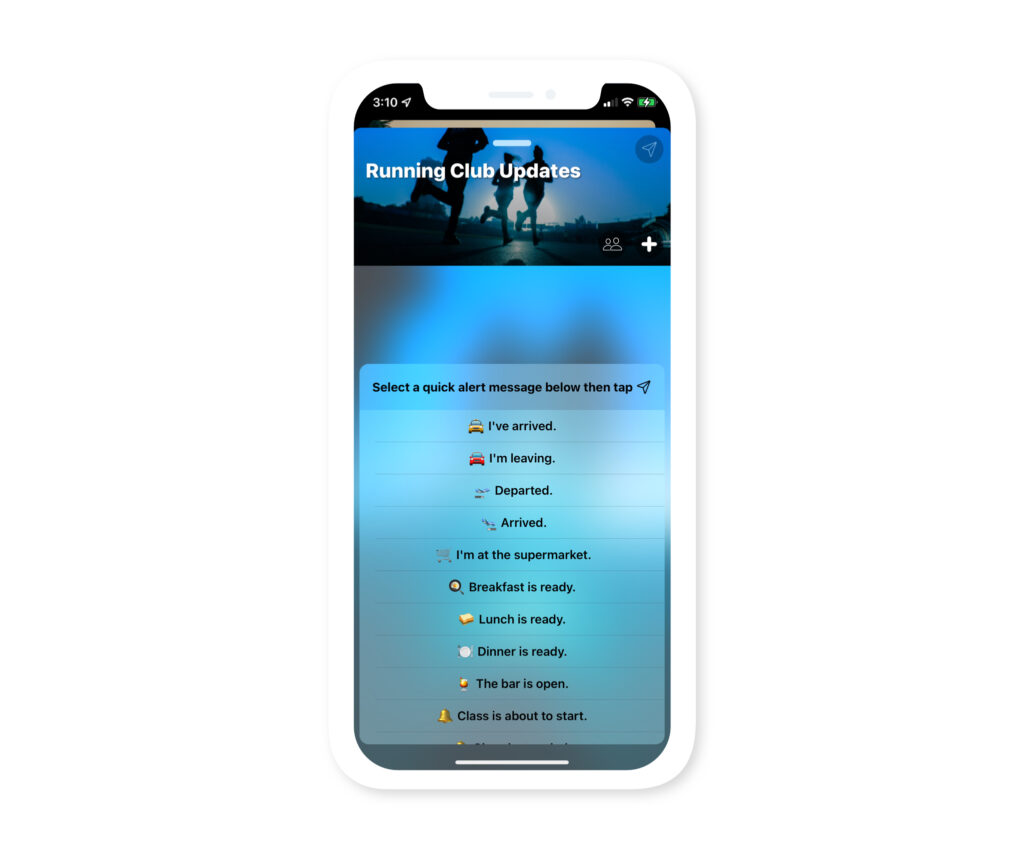
Tired of typing the same message each time before sending? With quick alerts, you can send simple messages to your subscribers (e.g. I’ve arrived”, “The event has ended”, “Lunch is ready”, “Class is about to start” etc.). Quick alerts will only appear on the lock screen of your subscribers phone and require that you have at least one subscriber to your channel other than yourself. You can create and save your own quick alerts or choose from our sample list.
QuickPings
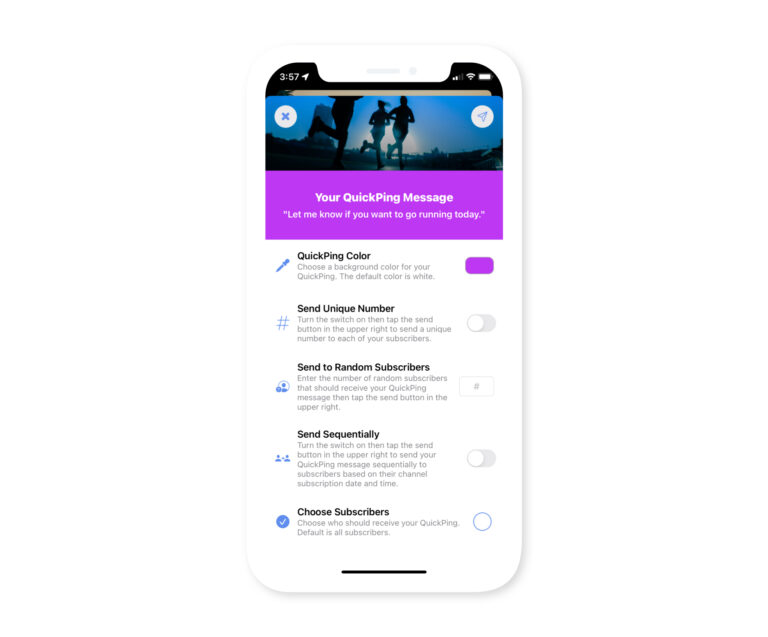
QuickPings are a more advanced form of Quick Alerts. They represent a single pre-configured channel message that when sent, will appear on the lock screen of your subscribers phone as well as the home screen of the Pingtumi app.
QuickPings also enable you to do the following.
1. Send a unique number to each subscriber ranging from 1 to the number of subscribers. Great for deciding who goes first, second third etc.
2. Send your QuickPing message to a random number of subscribers. Great for allocating prizes or rewards to select individuals within a crowd.
3. Send your QuickPing message to subscribers sequentially at your own pace. Great for controlling crowd flow.
Wi-Fi Network Sharing
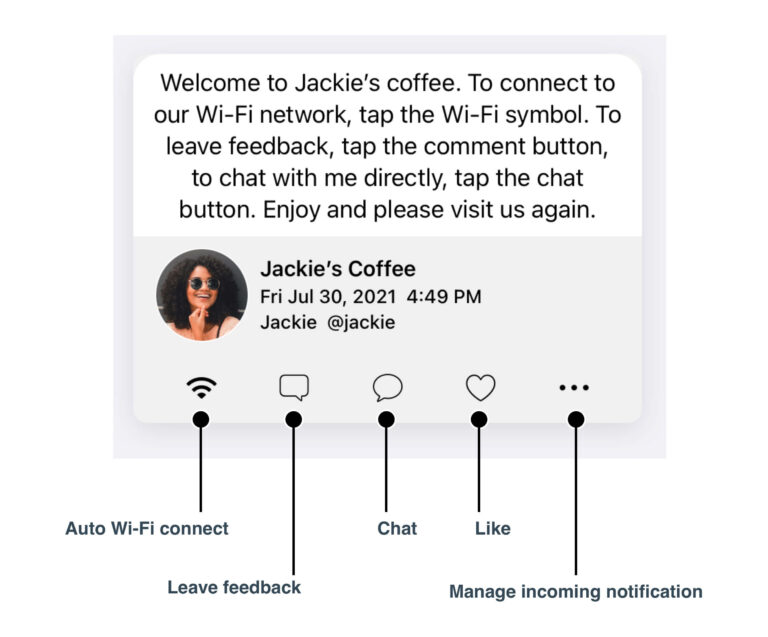
One of the hidden features of Pingtumi is the ability to easily share your Wi-Fi network with your subscribers without disclosing your network access password. Simply enter your Wi-Fi network name and password in the Pingtumi app and enable Wi-Fi sharing for your channel. When you send a message to your subscribers, it will be accompanied by a Wi-Fi button which when pressed, will automatically connect your subscriber to your Wi-Fi network.
We also support the easy generation of QR Codes for your Wi-Fi network. Create a QR Code for your Wi-Fi network directly within the app, print it and display it prominently. Anyone who scans the QR Code will be seamlessly connected to your Wi-Fi network.
Beacon Messaging
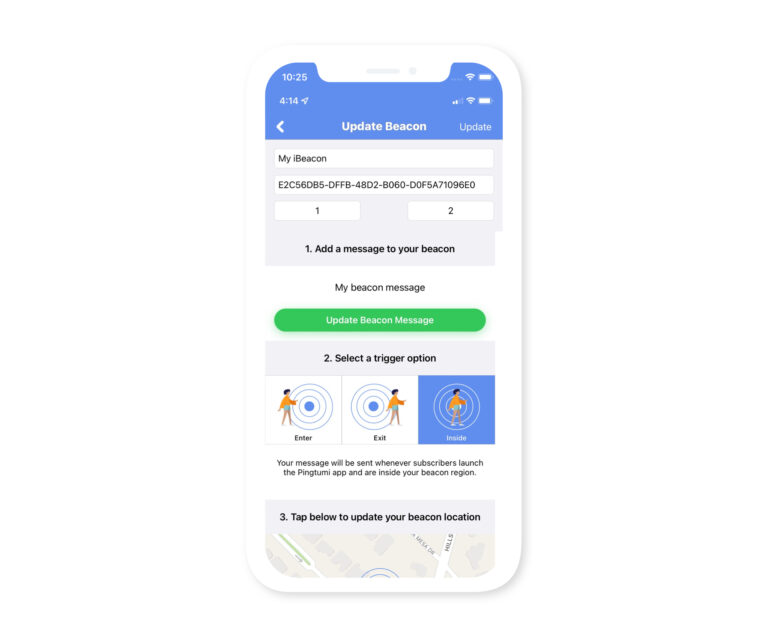
Beacons, where have you gone? Launched with much fanfare and promise, we hardly hear about beacons any longer. At Pingtumi, we haven’t given up on beacons. We firmly believe they represent one of the most compelling opportunities for location based messaging at the micro level. With Pingtumi, you can add individual beacons to the app, provide their location, then create a message that should be sent when subscribers enter, exit or are inside the beacon region. We currently support any beacon hardware that is iBeacon compatible.