


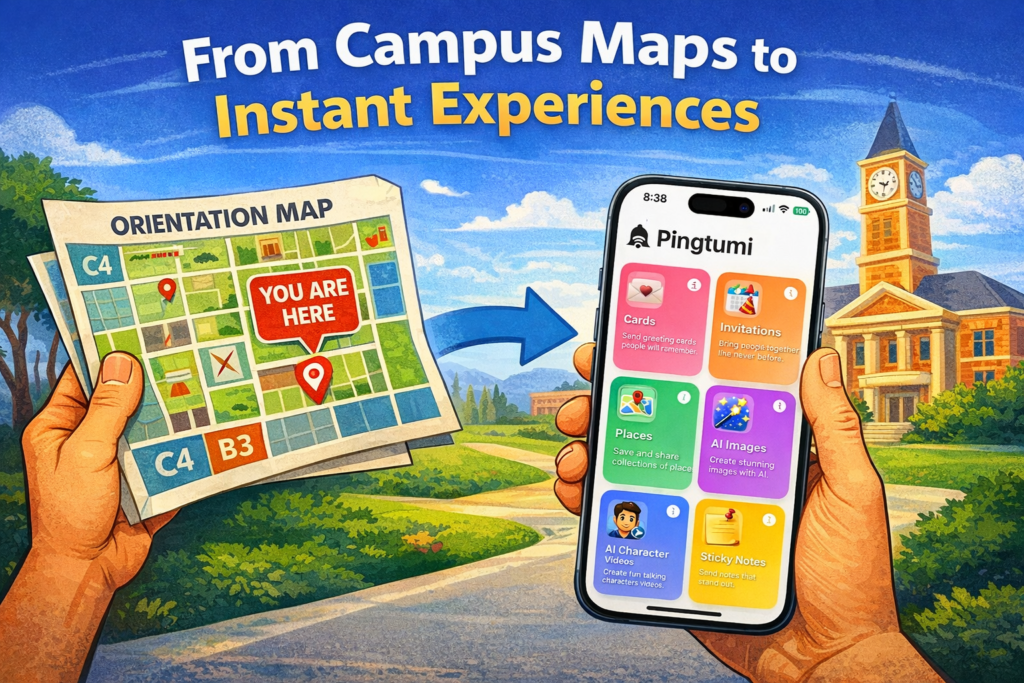
Almost two years ago, my son started his freshman year of college.
During orientation, we were handed what felt like an essential tool, a campus map, our lifeline for figuring out where to go and when.
It was dense:
- Buildings packed into a grid
- Labeled with coordinates
- Surrounded by reference markers
In theory, it worked. In practice, it didn’t. And we weren’t alone.
We kept asking ourselves:
- Where are we right now?
- Are we heading in the right direction?
- How far is this building?
- Are we going to make it on time?
The map required interpretation and interpretation takes time and mental effort. Eventually, we gave up.
We pulled out our iPhones, opened Apple Maps, typed in the building name and followed turn-by-turn directions. It worked instantly. No confusion, no guesswork. In that moment, something became very clear.
The problem wasn’t the information. It was how the information was delivered.
The university already had everything it needed:
- Every important location
- The context students needed
- A curated set of destinations
But instead of delivering an experience, it delivered a static map, something that required a bit of decoding. What should have existed was simple:
A shareable link that opens instantly and shows every important location, ready to navigate.
No downloading, no signing up, no searching, no re-orienting, no ads, no clutter, no friction.
Just open, tap and go.
That experience became the foundation for a new capability in Pingtumi called Places. At its core, Places is a collection of places shared as an Apple App Clip. It was designed to be intentionally different from place collections or lists from leading mobile map services which are primarily built around search results, aggregating and advertising places that already exist within the map ecosystem.
To create a place collection, download Pingtumi from the App Store, sign up then tap Places.

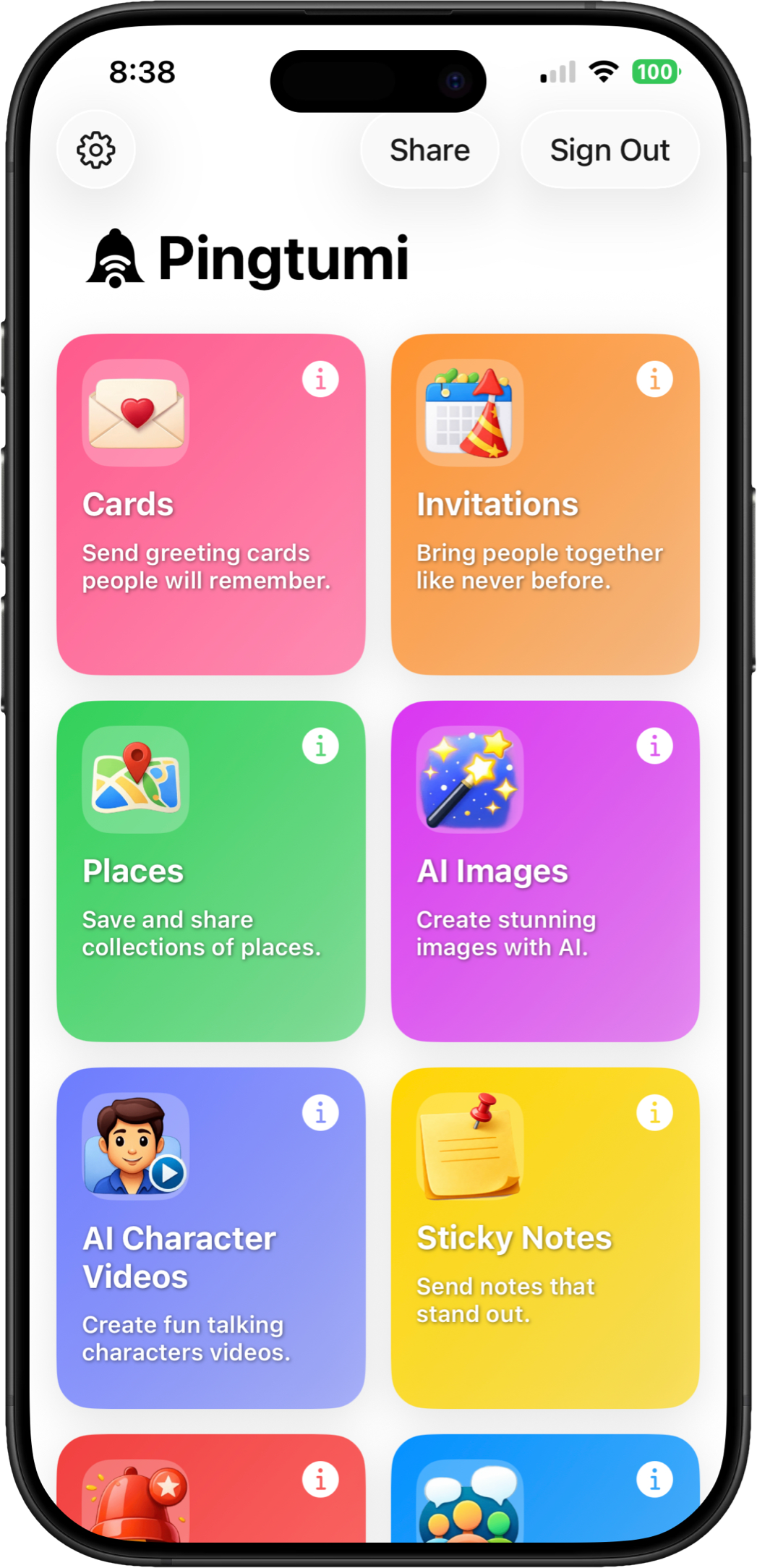
With Pingtumi, the creator has full control over the experience.
You can include places that don’t appear in search results, add custom images and place types that reflect your actual experience and provide meaningful context through notes and links
This transforms a collection from a simple list of locations into something more personal and expressive.
Instead of just showing where to go, Pingtumi Places captures why it matters.
When someone taps a Pingtumi Places link in iMessage, email or social media:
- The App Clip launches instantly
- A curated list of locations appears
- Each location is interactive
From there, you can:
- View images and notes
- See exactly where a place is
- Jump directly into Apple or Google Maps for directions
Reimagining Move-In Day
Now imagine that same freshman move-in experience, redesigned.
Instead of handing out a paper map, the university sends a link with the caption:
“Welcome! Here are the key locations for move-in day.”
You tap the link.

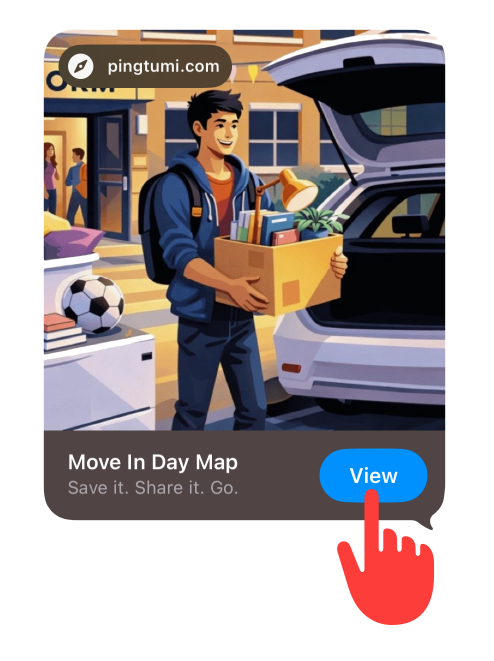
Instantly, you see dorm buildings, parking areas, check-in locations student services. Each one, clearly labeled, easy to browse and one tap away from navigation.

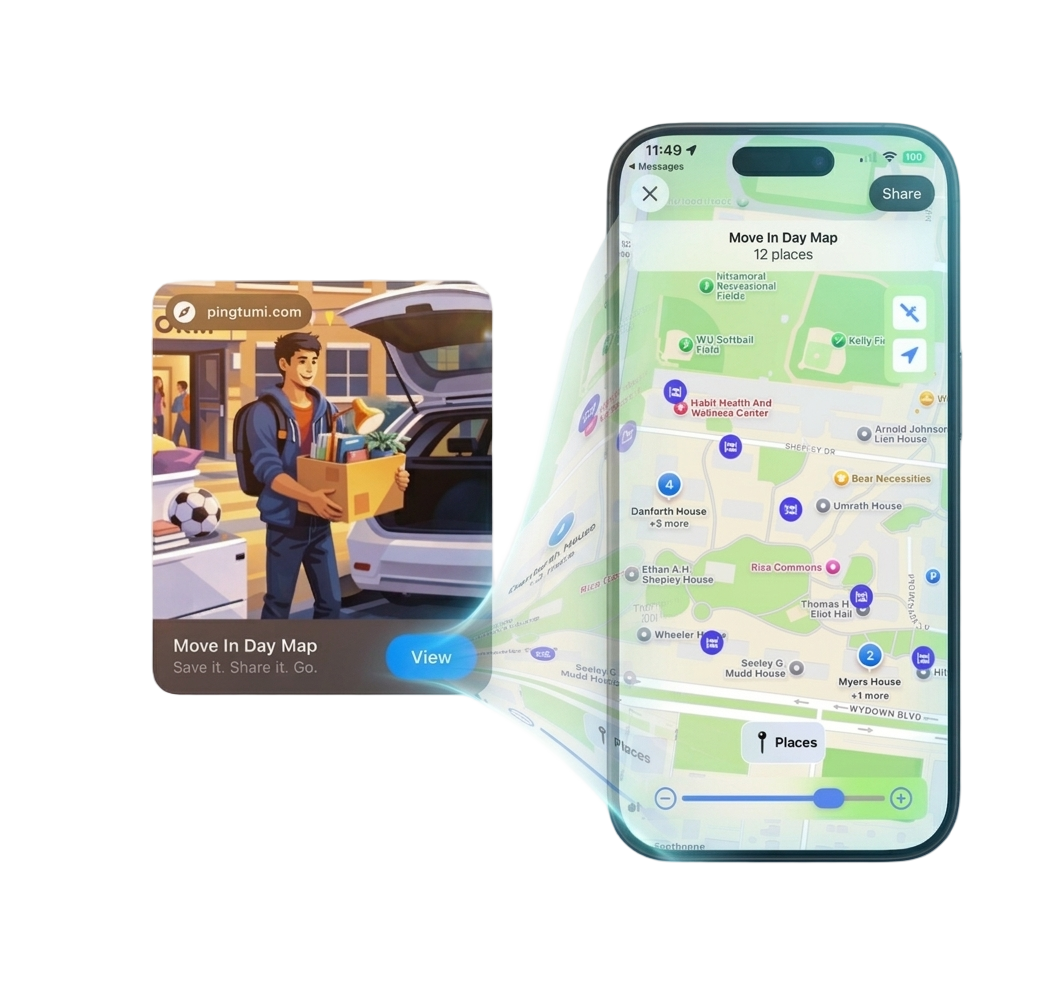
Now the experience is faster, clearer and far less stressful.
That’s the difference between information and interaction.
Once Places was built, I started using it in ways I didn’t initially expect. Instead of scattered notes, I’ve now created collections of places I’ve visited. After a trip, those same collections evolve. They become a visual timeline of where we went, what we saw and what made each place memorable. A collection that can be shared as easily as sending someone a text.
Going forward, I can imagine difference use cases for Pingtumi Places
- Campus tours
- Vacation itineraries
- Group trip coordination
- Realtor home buying tours
- Wedding weekend guide
The possibilities seem almost endless
Collections of places aren’t just data — they’re experiences waiting to be unlocked.
Pingtumi Places. Save It. Share It. Go
Try It
Curious to see how it works? Tap the Pingtumi Places demo link below using your iPhone. No install required.
Tap this link to experience Pingtumi Places on your iPhone.
You can download Pingtumi from the App Store here.
Originally published on Medium on April 9, 2026.